Locked out of your induction stove? No worries! This guide walks you through the most common lock types, easy reset methods, and troubleshooting tips so you can get cooking again fast. From child‑safety locks to error‑code freezes, we cover everything you need to know to unlock an induction stove safely and confidently.
Key Takeaways
- Identify the lock type: Most induction stoves use child‑lock, timer lock, or error‑code lock, each with a distinct reset method.
- Simple reset steps: Holding specific keys for 3‑5 seconds usually releases the lock without tools.
- Power‑cycle trick: Turning off the stove at the main circuit breaker can clear stubborn lockouts.
- Safety first: Always disconnect power before inspecting wiring or control panels.
- When to call a professional: Persistent error codes or damaged panels require technician assistance.
- Prevent future lockouts: Use the manual’s lock‑out timer feature and keep the control panel clean.
- Maintain your stove: Regular cleaning and proper use extend the life of the lock mechanism.
📑 Table of Contents
- Introduction: Why Your Induction Stove Might Be Locked
- 1. Understanding the Different Lock Mechanisms
- 2. Basic Reset Techniques: The 3‑Second Hold
- 3. Power‑Cycle Method: Cutting the Power
- 4. Dealing with Error‑Code Locks
- 5. Preventing Future Lockouts
- 6. When to Call a Professional
- Conclusion: Unlocking Your Induction Stove with Confidence
Introduction: Why Your Induction Stove Might Be Locked
Imagine you’re ready to whip up a quick stir‑fry, but the control panel is unresponsive. The display shows a blinking lock symbol, and none of the knobs seem to work. Frustrating, right? This is a common scenario for many homeowners who own induction cooktops.
Induction stoves are praised for their speed, precision, and safety, but they also come with digital controls that can lock themselves for a variety of reasons. Whether it’s a child‑safety lock, a timer lock, or an error‑code that forces the unit into a protective mode, knowing how to unlock induction stove issues can save you time, money, and a lot of kitchen stress.
In this article we’ll walk through every lock type you might encounter, give you clear, step‑by‑step instructions to unlock the stove, and share troubleshooting tips to prevent future lockouts. Think of it as a friendly chat with a tech‑savvy neighbor who’s been there before.
1. Understanding the Different Lock Mechanisms
1.1 Child‑Safety Lock
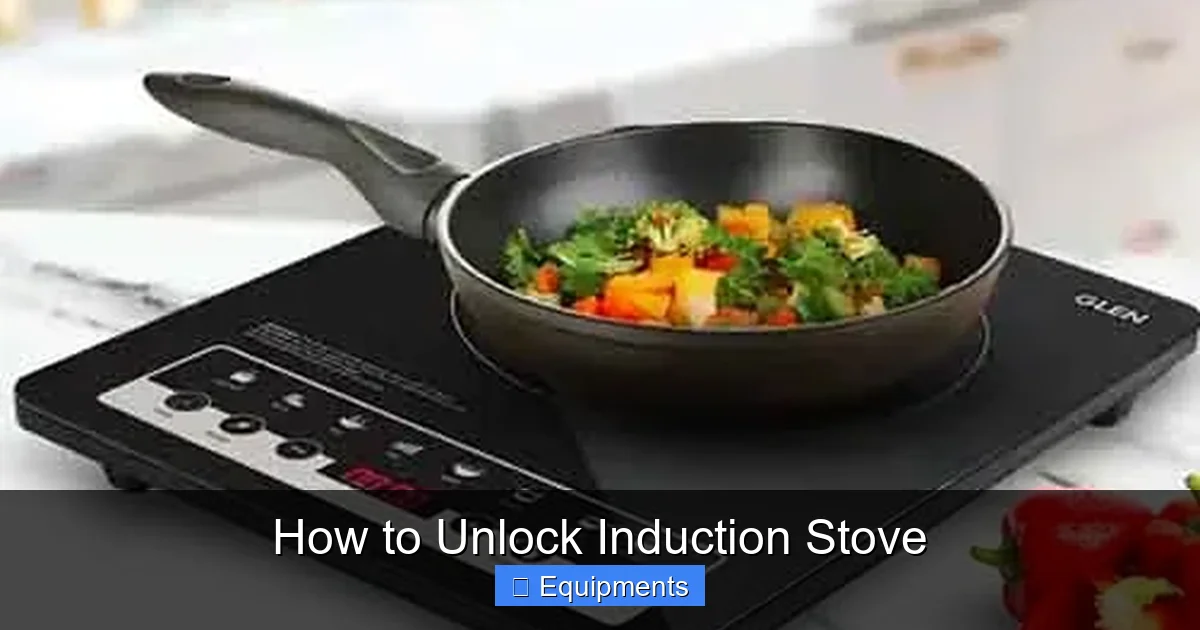
Most modern induction cooktops have a built‑in child‑safety lock. It’s designed to keep curious kids from turning on burners or changing settings. The lock is usually indicated by a padlock icon on the display.
Visual guide about How to Unlock Induction Stove
Image source: gorgeousreview.com
1.2 Timer (Auto‑Lock) Feature
Some models automatically lock after a set period of inactivity—often 30 minutes. This feature conserves energy and prevents accidental use.
1.3 Error‑Code Lock (Safety Shutdown)
If the stove detects a fault—overheating, voltage spikes, or sensor issues—it may enter an error‑code lock. The display will show a code like “E01” or “F2” along with a lock symbol.
1.4 Manual Lock (Restaurant‑Style)
Higher‑end or commercial units sometimes include a manual lock that the user can engage for cleaning or maintenance. This lock usually requires a specific key combination to release.
2. Basic Reset Techniques: The 3‑Second Hold
2.1 General “Hold” Method
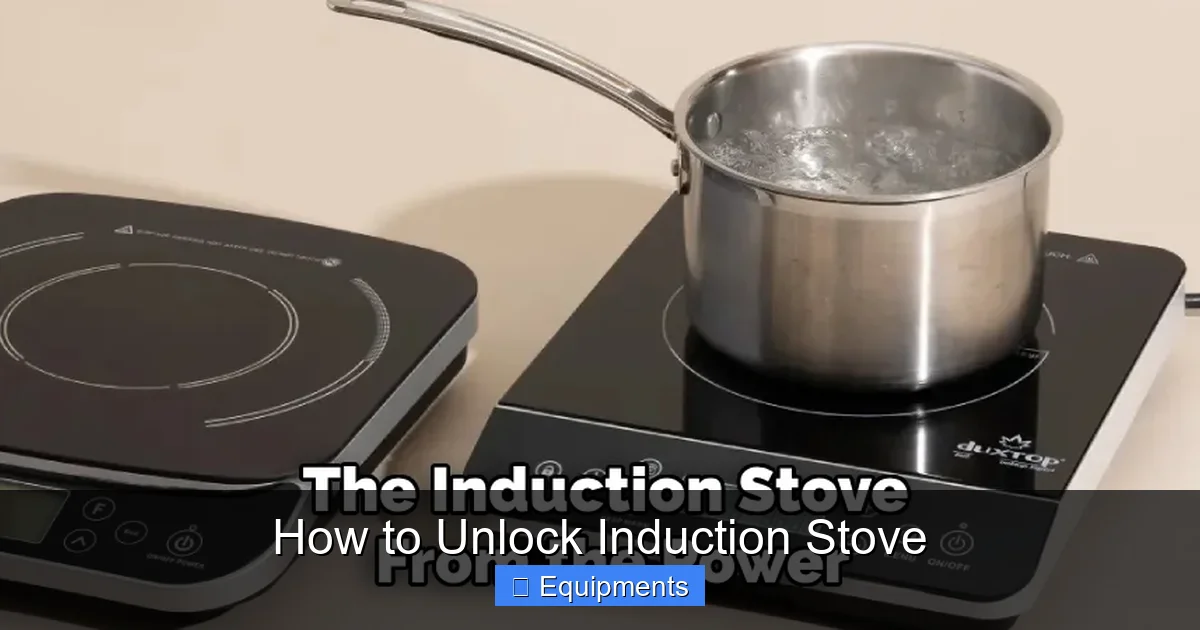
For the majority of consumer models, unlocking is as simple as holding down the Lock button (or the “Power” button) for about 3‑5 seconds. This sends a reset signal to the control board.
Visual guide about How to Unlock Induction Stove
Image source: thekitchenix.com
- Locate the lock icon on the panel.
- Press and hold the button until the icon disappears.
- The stove should beep or flash to confirm the unlock.
2.2 Model‑Specific Variations
While the “hold” method works for many brands, some manufacturers use different key combos. Below are a few common variations:
- Bosch: Hold Power + Plus (+) simultaneously for 4 seconds.
- Samsung: Press Lock + Start together for 3 seconds.
- GE Profile: Tap the Lock icon three times quickly, then hold for 2 seconds.
Check your user manual for the exact sequence—most manuals are available as PDFs on the manufacturer’s website.
3. Power‑Cycle Method: Cutting the Power
3.1 When the Hold Method Fails
If the stove remains locked after the hold method, a full power reset often clears the issue. This is especially useful for error‑code locks.
Visual guide about How to Unlock Induction Stove
Image source: gorgeousreview.com
3.2 Step‑by‑Step Power‑Cycle
- Turn off the stove using the main power button (if available).
- Locate your home’s circuit breaker panel.
- Switch off the breaker labeled for the kitchen or specifically for the stove.
- Wait 60 seconds—this lets residual charge drain from the electronics.
- Turn the breaker back on, then press the stove’s power button.
- Attempt the unlock sequence again.
Most users find that the stove reboots like a computer, and the lock icon disappears.
4. Dealing with Error‑Code Locks
4.1 Common Error Codes and Their Meaning
Understanding the code helps you decide whether a simple reset is enough or if professional help is needed.
- E01/E02: Sensor malfunction – may need cleaning or replacement.
- F1/F2: Over‑temperature – let the stove cool, check ventilation.
- U0: Communication error between control board and touch panel.
4.2 Resetting Specific Error Codes
For many codes, the power‑cycle method clears the fault. If the code persists:
- Turn the stove off and unplug it for 5 minutes.
- Check for obvious issues: spilled food on sensors, blocked vents, or loose wiring.
- Re‑plug and power on, then run the hold‑unlock method.
If the error returns, it’s time to call a qualified technician.
5. Preventing Future Lockouts
5.1 Regular Cleaning of Controls
Finger oils and cooking splatters can cause the touch panel to misread inputs, triggering a lock. Clean the surface with a soft, damp cloth and a mild detergent. Avoid abrasive cleaners.
5.2 Using the Timer Lock Wisely
If your stove has an auto‑lock timer, you can adjust the inactivity period (often 15, 30, or 60 minutes) via the settings menu. Set it to a longer interval if you frequently step away from the kitchen.
5.3 Child‑Lock Etiquette
Teach family members where the lock button is and how to disengage it. Keep the stove’s manual in an accessible spot for quick reference.
5.4 Power Surge Protection
Install a surge protector or an Uninterruptible Power Supply (UPS) for the kitchen circuit. This reduces the chance of error‑code locks caused by voltage spikes.
6. When to Call a Professional
6.1 Persistent Error Codes
If after multiple resets the same error code appears, the issue is likely hardware‑related—perhaps a faulty sensor or a damaged control board.
6.2 Physical Damage to the Panel
Cracks, water intrusion, or burnt spots on the touch panel require replacement parts. DIY repairs can void warranties.
6.3 Warranty Considerations
Check your purchase receipt. Many manufacturers offer a 1‑year limited warranty on electronics and a 5‑year warranty on the cooktop surface. Professional service ensures you stay covered.
Conclusion: Unlocking Your Induction Stove with Confidence
Knowing how to unlock induction stove problems empowers you to keep cooking without waiting for a service call. Most lockouts are simple—press and hold, power‑cycle, or clear a stray error code. By keeping the control panel clean, adjusting timer settings, and protecting against power surges, you’ll reduce the chances of a lockout happening in the first place.
Remember, safety comes first. Always disconnect power before inspecting any internal components, and don’t hesitate to call a certified technician for persistent or complicated issues. With these tips in hand, you’ll enjoy the speed and precision of induction cooking without the annoyance of a locked stove.
Frequently Asked Questions
Why is my induction stove showing a lock icon?
The lock icon usually means the child‑safety or timer lock is engaged, or an error code has forced the unit into a protective mode.
How do I disable the child‑safety lock?
Press and hold the lock button (or the designated key combo) for about 3‑5 seconds until the icon disappears. Check your manual for brand‑specific steps.
My stove won’t unlock after holding the lock button. What next?
Try a full power‑cycle: turn off the circuit breaker for the stove, wait a minute, then turn it back on and repeat the hold method.
What does error code “E01” mean on an induction stove?
E01 typically indicates a sensor malfunction. Clean the sensor area, power‑cycle the unit, and if the code persists, contact a technician.
Can a power surge cause my induction stove to lock?
Yes. Voltage spikes can trigger safety locks or error codes. Using a surge protector can help prevent this.
When should I call a professional to unlock my induction stove?
If error codes remain after multiple resets, if the control panel is physically damaged, or if the stove is still under warranty and you’re unsure about DIY repairs.