Locked out of your Frigidaire oven? No worries! This guide shows you simple, safe methods to reset the lock, troubleshoot common error codes, and prevent future lockouts. Follow the easy steps and get back to baking in no time.
Key Takeaways
- Identify the lock type: Most Frigidaire ovens use a child‑lock or electronic lock, each with its own reset method.
- Use the keypad combo: Pressing and holding specific buttons for 3–5 seconds often releases the lock.
- Power‑cycle the unit: Unplugging or turning off the circuit breaker can reset electronic locks.
- Check error codes: Codes like “F1” or “F2” may indicate lock‑related issues that need a different approach.
- Prevent future lockouts: Keep the manual handy, avoid accidental button presses, and perform regular maintenance.
- When to call a pro: If the lock won’t release after all DIY steps, it’s time to contact a certified technician.
- Safety first: Always disconnect power before inspecting internal components to avoid electric shock.
📑 Table of Contents
- Introduction: Why Your Frigidaire Oven Might Be Locked
- Understanding the Types of Locks in Frigidaire Ovens
- Step‑by‑Step Guide: How to Unlock Frigidaire Oven
- Decoding Common Error Codes Related to Lock Issues
- Preventing Future Lockouts
- When to Call a Professional
- Conclusion: Get Back to Cooking with Confidence
Introduction: Why Your Frigidaire Oven Might Be Locked
Imagine you’re ready to bake a birthday cake, and the oven won’t turn on. The display flashes a lock symbol, and none of the buttons respond. It’s frustrating, but it’s a common situation with many Frigidaire ovens. Most modern models come with a built‑in lock—either a child‑safety lock or an electronic lock designed to prevent accidental use.
These locks are handy for families with small children, but they can also be triggered unintentionally. The good news? Unlocking your Frigidaire oven is usually a quick, tool‑free process. In this article, we’ll walk you through the exact steps to reset the lock, troubleshoot error codes, and keep the problem from happening again.
Understanding the Types of Locks in Frigidaire Ovens
Child‑Safety Lock
The child‑safety lock is the most common. It’s activated by holding down the “Bake” and “Broil” buttons together for a few seconds. When engaged, the keypad becomes unresponsive, and a lock icon appears on the screen.
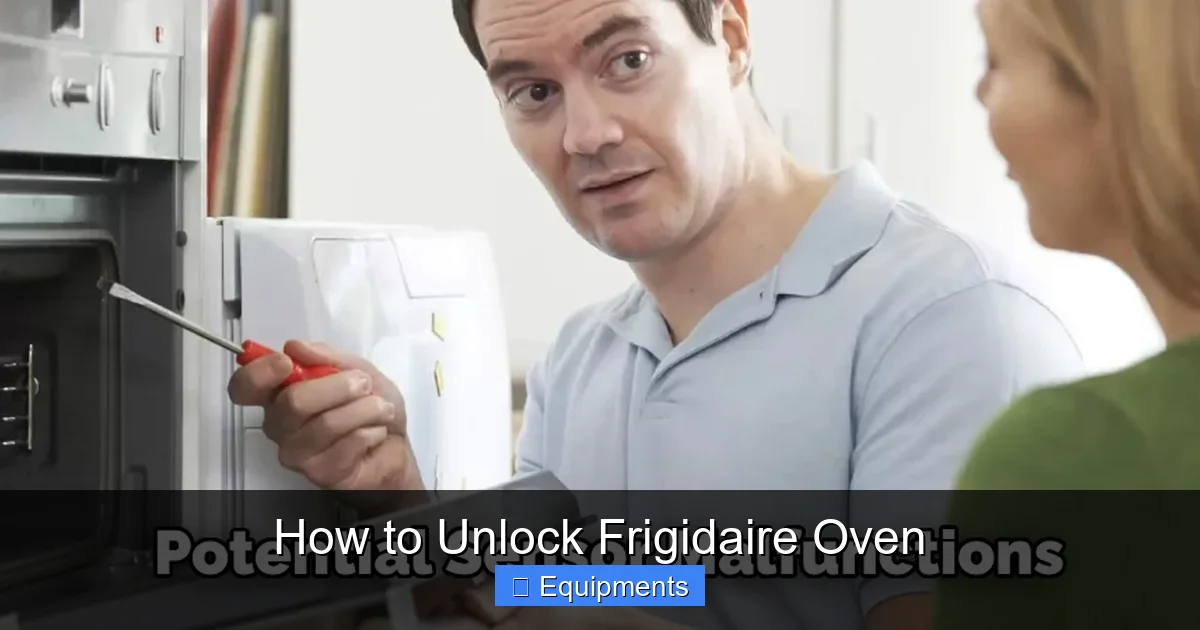
Visual guide about How to Unlock Frigidaire Oven
Image source: thekitchenix.com
Electronic (Control Board) Lock
Higher‑end models may have an electronic lock that ties into the oven’s control board. This lock often appears after a power surge or if the oven detects a fault. Resetting it may require a power‑cycle or a more specific button combination.
Key Differences
- Activation method: Child lock uses button hold; electronic lock may trigger automatically.
- Reset process: Child lock is usually released with the same button hold; electronic lock often needs a power reset.
- Symptoms: Both show a lock icon, but electronic lock may also display error codes like “F1.”
Step‑by‑Step Guide: How to Unlock Frigidaire Oven
Method 1: The Simple Button Hold
This works for the majority of models.
Visual guide about How to Unlock Frigidaire Oven
Image source: myheartliveshere.com
- Locate the “Bake” and “Broil” buttons on the control panel.
- Press and hold both buttons simultaneously for **3 to 5 seconds**.
- Watch the lock icon disappear and the display return to normal.
- If the oven still won’t respond, move to Method 2.
Method 2: Power‑Cycle the Oven
Power‑cycling clears any temporary glitches in the control board.
- Turn off the oven by pressing the “Cancel” or “Off” button.
- Unplug the oven from the wall outlet. If your model is hard‑wired, locate the circuit breaker and flip the switch to the OFF position.
- Wait **1–2 minutes**. This pause allows residual electricity to drain.
- Plug the oven back in or turn the breaker back on.
- Press the “Bake” button to see if the lock icon is gone.
Method 3: Use the “Keypad Lock” Combination
Some newer Frigidaire ovens require a different combo.
- Press and hold the “Keypad Lock” button (often marked with a lock symbol) for **5 seconds**.
- Alternatively, try holding “Bake” + “Cancel” together for the same duration.
- The display should flash briefly, then the lock icon disappears.
Method 4: Reset via the Control Board (Advanced)
Use this only if the previous methods fail and you’re comfortable with basic electrical safety.
- Turn off the oven and disconnect power (unplug or breaker).
- Remove the bottom front panel (usually secured with two screws).
- Locate the **control board**—it’s a small circuit board with a ribbon cable.
- Find the **reset button** on the board (a tiny recessed button). Use a paperclip to press it for **2 seconds**.
- Reassemble the panel, restore power, and test the oven.
Note: If you’re unsure about opening the oven, skip this step and call a professional.
Decoding Common Error Codes Related to Lock Issues
What Do the Codes Mean?
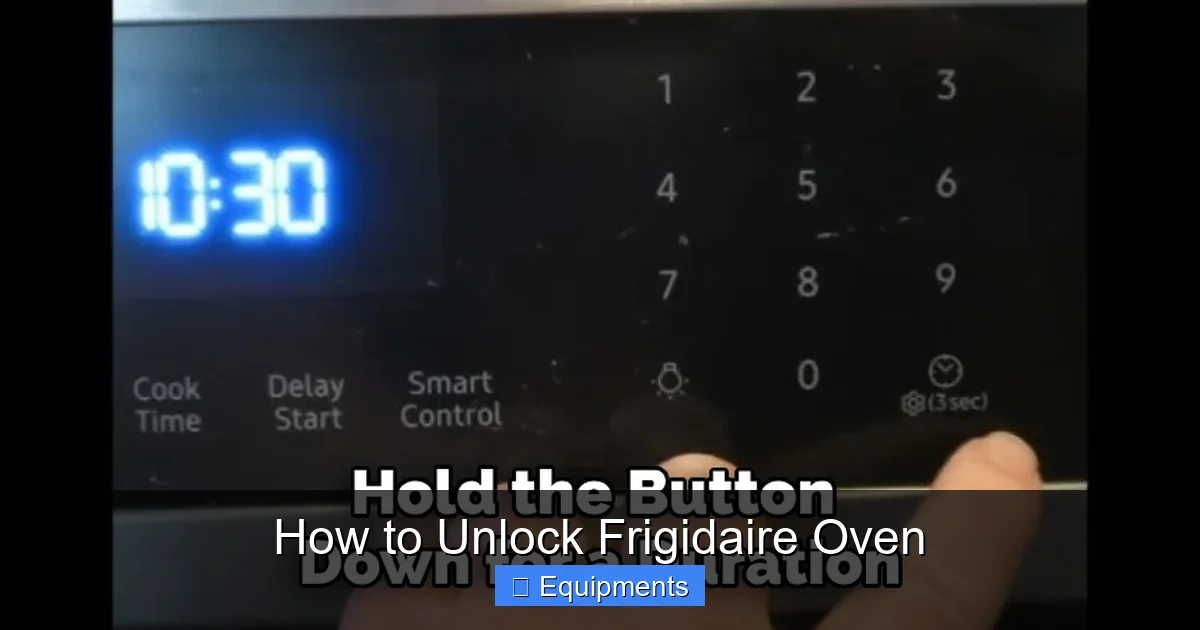
Frigidaire ovens display error codes when the control board detects a problem. Two codes often linked to lock issues are:
Visual guide about How to Unlock Frigidaire Oven
Image source: thekitchenix.com
- F1: Door lock sensor failure.
- F2: Control board communication error.
How to Reset Error Codes
- Power‑cycle the oven (Method 2 above).
- If the code persists, check the door latch for debris or damage.
- Consult the user manual for specific reset procedures for each code.
Preventing Future Lockouts
Keep the Manual Accessible
Store the original user manual in a kitchen drawer or scan it to your phone. The lock reset instructions are usually on page 12‑14.
Teach Family Members
Explain the button‑hold method to anyone who might use the oven. A quick reminder can save hours of frustration.
Regular Maintenance Tips
- Clean the control panel with a soft, damp cloth—avoid excess moisture.
- Check the door gasket for wear; a loose door can trigger lock sensors.
- Run a self‑diagnostic (if your model supports it) once a month.
When to Call a Professional
If none of the DIY steps unlock the oven, the issue may be deeper—such as a faulty control board, a broken door lock motor, or wiring problems. In these cases:
- Contact Frigidaire customer support for warranty verification.
- Schedule a certified appliance repair technician.
- Avoid attempting further internal repairs yourself to prevent voiding the warranty.
Conclusion: Get Back to Cooking with Confidence
Being locked out of your Frigidaire oven is an annoyance, but it’s rarely a disaster. By understanding the type of lock, following the simple button‑hold or power‑cycle methods, and knowing how to interpret error codes, you can solve the problem in minutes. Keep the tips from this guide handy, and you’ll feel confident handling lockouts without a call to a technician. Happy baking!
Frequently Asked Questions
Why won’t my Frigidaire oven respond to the button‑hold reset?
Some models use a different lock combination or may have a deeper electronic fault. Try the power‑cycle method or check the user manual for a model‑specific reset.
What does the “F1” error code mean on a Frigidaire oven?
“F1” usually indicates a door lock sensor problem. Verify the door closes fully and inspect the latch for debris.
Can I use a hair dryer to thaw a frozen oven lock?
No. Applying heat can damage the control panel. Instead, power‑cycle the oven and use the button‑hold method.
Is it safe to unplug the oven while it’s locked?
Yes. Unplugging or turning off the circuit breaker is the safest way to reset the electronic lock.
Do all Frigidaire ovens have a child‑safety lock?
Most modern Frigidaire ovens include a child‑safety lock, but some older or basic models may rely solely on an electronic lock.
How often should I clean the oven’s control panel?
Wipe the panel with a soft, damp cloth once a month. Avoid abrasive cleaners that can wear down the buttons and cause lock malfunctions.