Demo mode on a microwave is a retail feature that disables heating functions. It’s typically activated accidentally during shipping or setup. Turning it off usually requires a specific, often hidden, button combination. The exact sequence varies by brand and model, but universal methods and brand-specific guides exist. Always consult your user manual first, as the correct key combo is often listed there.
Key Takeaways
- Demo mode is intentional: It’s a sales-floor feature, not a malfunction, designed to showcase the microwave without generating heat.
- The fix is a secret handshake: Deactivation requires pressing a precise, often unmarked, sequence of buttons within a short time window.
- Your manual is the ultimate cheat code: The correct key combination is always listed in the troubleshooting or setup section of your specific model’s manual.
- Brand matters: Samsung, GE, Whirlpool, LG, and others use completely different sequences. There is no universal “one-size-fits-all” code.
- Power cycling is a common first step: Unplugging the microwave for 60+ seconds is a frequent prerequisite to entering the service or demo mode menu.
- Don’t guess randomly: Incorrect long presses can trigger other service modes or lock the control panel. Use verified instructions for your model.
- If stuck, contact support: When all else fails, the manufacturer’s customer service can provide the exact sequence for your model number.
📑 Table of Contents
- Introduction: Why Your Microwave is Acting Like a Ghost Kitchen
- Understanding the Beast: What Demo Mode Is (and Isn’t)
- Universal First Steps: The “Reset and Pray” Method
- The Brand-Specific Decoder Ring: Key Combos for Major Manufacturers
- Advanced Troubleshooting: When the Basics Fail
- Prevention and Best Practices: Keeping Your Microwave Cooking
- Conclusion: You Are Now the Master of Your Microwave Domain
Introduction: Why Your Microwave is Acting Like a Ghost Kitchen
You press START. The turntable spins. The light comes on. The digital display glows invitingly. But nothing gets hot. The fan hums, the buttons beep, it looks and sounds perfectly operational—yet it’s as useful as a toaster in a snowstorm. Welcome to demo mode, the most perplexing and frustrating “feature” that can afflict a home microwave. This isn’t a breakdown; it’s a retail setting that somehow followed you home. The good news? This is almost always a software setting, not a hardware failure. The even better news? With the right knowledge, you can be the hero who fixed the microwave without calling a repairman. This guide will walk you through everything you need to know about how to turn off demo mode on a microwave, from the universal principles to the exact key combos for major brands.
Think of demo mode as the microwave’s “showroom mode.” Retailers need appliances that light up, beep, and spin to demonstrate features to customers without wasting electricity, generating heat, or risking a fire in a crowded store. So manufacturers build in a hidden switch—usually a specific button sequence—that disables the magnetron (the heating component). When that switch is flipped, the microwave enters a state of suspended animation: fully functional user interface, zero cooking power. It’s incredibly effective for sales, and incredibly annoying when it happens in your kitchen. The challenge is that this “switch” is not a physical button but a digital command, and manufacturers guard these combinations like state secrets, often changing them between model years. Our mission is to decrypt those secrets for you.
Understanding the Beast: What Demo Mode Is (and Isn’t)
The Purpose Behind the “Feature”
Before we hack the system, let’s appreciate the engineering logic. A microwave in a big-box store is a sitting duck for accidental activation. A curious kid, a distracted employee, or a customer comparing models could easily start a microwave with nothing inside. In a store packed with flammable packaging, that’s a major fire hazard. Demo mode eliminates that risk entirely. It allows the display to show time, the turntable to rotate, and the keypad to beep, providing a full user experience for demonstration purposes, while the critical heating circuits are electronically locked out. It’s a safety and energy-saving feature designed for a commercial environment that has no place in a home.
Visual guide about How to Turn Off Demo Mode on Microwave
Image source: machineanswered.com
How It Gets Activated: The Usual Suspects
You didn’t accidentally press a “DEMO” button. These modes are almost never labeled on the keypad. So how does it happen?
- Shipping/Transit Mode: This is the #1 culprit. Microwaves are often set to demo mode at the factory or warehouse to prevent accidental activation during transport. A warehouse worker or delivery person might have tested functions and left it in this state.
- Accidental Key Combo: Some models enter demo mode by holding a combination of buttons (like STOP/CANCEL +某个键) for several seconds during startup. A curious child or a frantic user pressing multiple buttons during a power outage could trigger it.
- Control Board Glitch: Rarely, a power surge or software bug can cause the control board to misread its state and boot into demo mode.
- Previous Owner/Return: If you bought a returned or refurbished unit, the previous owner or the refurbishing center may have left it in demo mode after a test.
Understanding this helps you troubleshoot. If it happened right after delivery, it was almost certainly transit mode. If it happened randomly one day, a glitch or accidental combo is more likely.
Universal First Steps: The “Reset and Pray” Method
Before you start hunting for brand-specific codes, perform these universal steps. They resolve a surprising number of demo mode issues, especially those caused by transit or minor glitches. Think of this as the “turn it off and on again” of microwave repair.
Visual guide about How to Turn Off Demo Mode on Microwave
Image source: thekitchenix.com
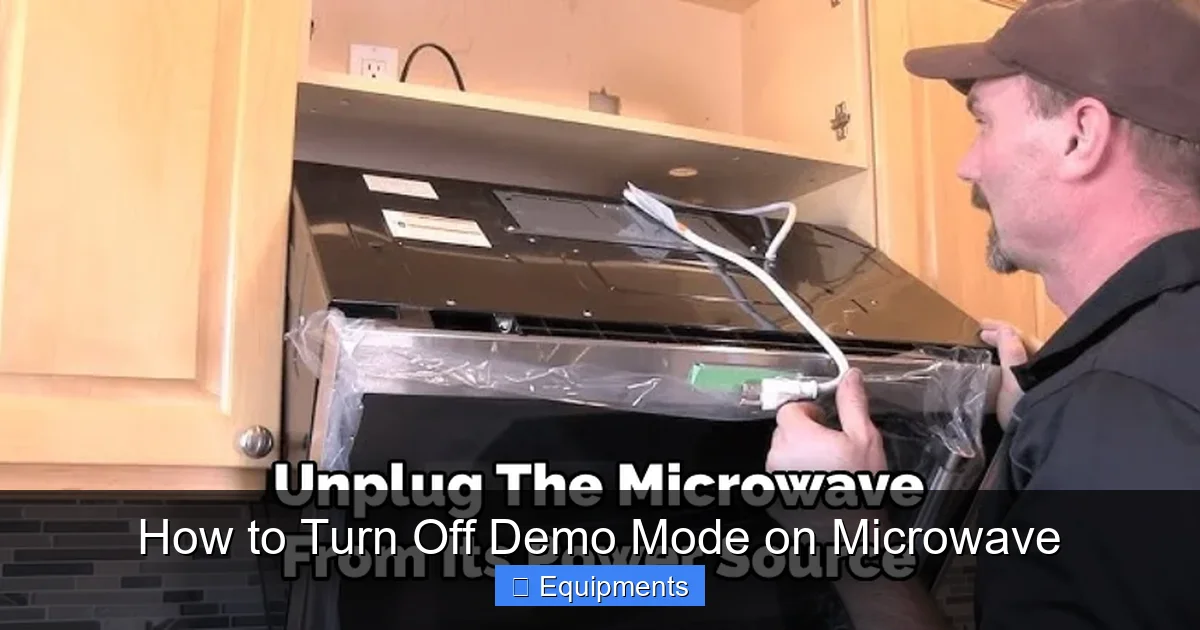
Step 1: The Full Power Drain
This is non-negotiable and the most important universal step. Simply pressing “Cancel” or unplugging it for 10 seconds is often not enough. The control board has capacitors that hold a residual charge, and the memory can retain settings.
- Unplug the microwave from the wall outlet. If it’s hardwired, turn off the circuit breaker.
- Leave it unplugged for a full 60 seconds. For stubborn cases, leave it unplugged for 5-10 minutes. This ensures a complete power cycle and clears the volatile memory.
- Plug it back in or restore power at the breaker.
- Immediately observe the display. Does it show a clock? Does it say “DEMO,” “SHOW,” “– – –,” or a flashing time? If it’s back to normal, you’ve won. If it’s still in demo mode, proceed.
Step 2: The Factory Reset (If Applicable)
Some microwaves have a hidden factory reset procedure that also clears demo mode. This is less common but worth a try. The sequence is usually similar to the demo mode exit code. Common patterns involve pressing and holding the STOP/CANCEL button for 5-10 seconds, or pressing a combination like CLOCK + 0 for 5 seconds. Your manual is the only sure source. If you don’t have it, search online for “[Your Brand] microwave factory reset [Your Model]”.
Step 3: Check for a Physical “Demo” Switch
This is rare on modern microwaves but exists on some commercial or high-end residential models. Open the control panel housing (UNPLUG FIRST! This is dangerous if you don’t know what you’re doing). Look for a small, unmarked DIP switch or a tiny slide switch near the control board. It might be labeled “DEMO” or “SHOW.” If you find one, flip it. Reassemble and power on. Warning: Only attempt this if you are comfortable with basic appliance repair and have unplugged the unit. Incorrect handling can cause electric shock.
The Brand-Specific Decoder Ring: Key Combos for Major Manufacturers
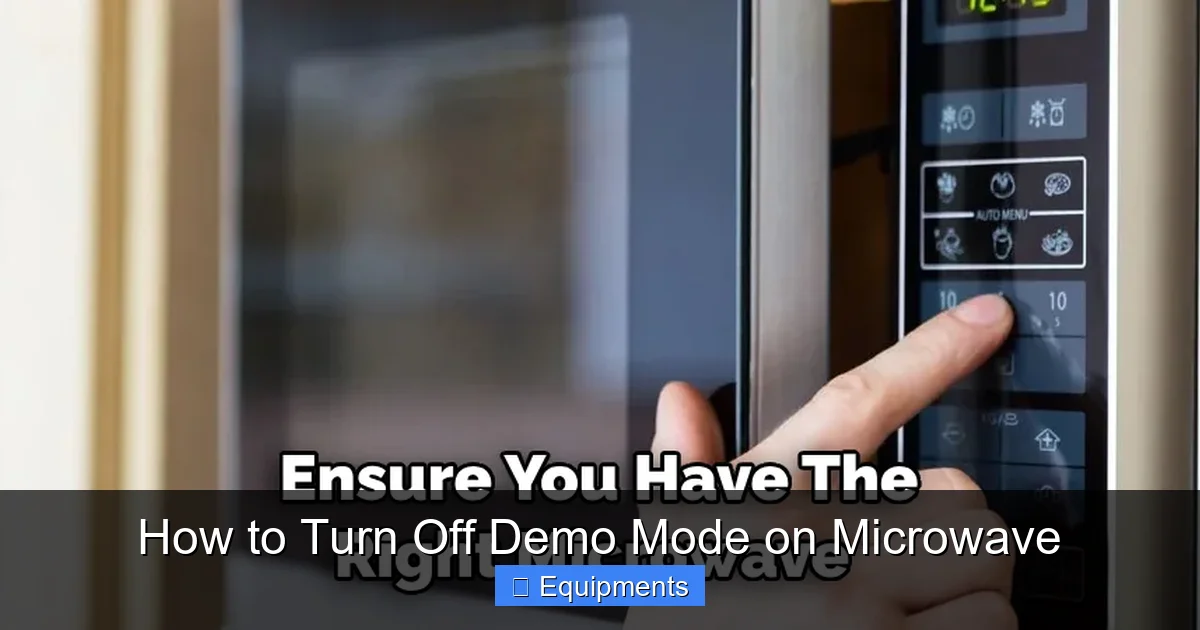
This is the core of our guide. Since there’s no universal code, we must consult the oracle—the internet’s collective knowledge of user manuals and repair forums. Below are the most frequently reported and verified sequences for top brands. CRITICAL: These must be performed on a microwave that is powered on but has been unplugged and plugged back in within the last few seconds (i.e., right after a fresh power-on). The timing is everything.
Visual guide about How to Turn Off Demo Mode on Microwave
Image source: thekitchenix.com
Samsung Microwaves
Samsung is notorious for using the same sequence across many models for years.
- Most Common Sequence: Press STOP/CANCEL, then immediately press and hold 0 (ZERO) for 5 seconds. You should hear a beep and see the display change from “DEMO” or “– – –” to the clock or normal time.
- Alternative Sequence: Press STOP/CANCEL, then press 1, then 0, then hold 0 for 5 seconds.
- Model-Specific Note: For some newer Samsung models with a dedicated “ECO” button, the sequence might be STOP/CANCEL + ECO held for 5 seconds.
General Electric (GE) Microwaves
GE sequences can vary by series.
- Common Profile Series Sequence: Press STOP/CANCEL, then immediately press and hold 1 and 0 together for 3-5 seconds. A beep indicates success.
- Alternative (Monogram/Some Café Models): Press and hold CLOCK for 5 seconds. The display may cycle through modes.
- Tip: On many GE models, simply pressing 1 then 0 then START on a fresh power-on will exit demo mode.
Whirlpool / KitchenAid / Maytag (Whirlpool Corp.)
These brands share many internal components and software.
- Very Common Sequence: Press STOP/CANCEL, then press and hold 1 for 5 seconds. You may need to do this within 3 seconds of powering on.
- Alternative Sequence: Press STOP/CANCEL, then press 2, then 0, then hold 0.
- For Models with a “Control Lock” Icon: The demo mode exit is often the same as the control lock. Try pressing and holding the Control Lock button (usually a padlock icon) for 3-5 seconds.
LG Microwaves
LG often uses a two-step process.
- Primary Sequence: Press STOP/CANCEL, then press 1, then press 0. The display should change.
- If that fails: Press STOP/CANCEL, then press and hold 0 for 5 seconds.
- Model-Specific: Some newer LG models with a “Speed Cook” or “Convection” button may require STOP/CANCEL + CONVECTION held for 5 seconds.
Panasonic Microwaves
Panasonic sequences are usually straightforward.
- Standard Sequence: Press STOP/CANCEL, then press 1, then 0, then START.
- Simpler Sequence: Press and hold STOP/CANCEL for 5 seconds.
- For “Inverter” Models: The sequence is often STOP/CANCEL, then press 2, then 0.
Sharp Microwaves
Sharp, especially their high-end convection models, can be particular.
- Common Sequence: Press STOP/CANCEL, then press 1, then press 0, then press START.
- Alternative: Press STOP/CANCEL, then press and hold 0 for 5 seconds.
- Note: Some Sharp models require you to press the sequence twice in quick succession.
Brand-Agnostic Pro Tip: If your brand isn’t listed, the most common templates are: STOP/CANCEL + [1 or 0] + (optional START), or STOP/CANCEL + [1 or 0] held for 5 seconds. Try these variations first.
Advanced Troubleshooting: When the Basics Fail
You’ve unplugged for 10 minutes. You’ve tried every STOP/CANCEL + 1/0 combo you can find for your brand. The display still mocks you with “DEMO” or a blank screen. Don’t panic. It’s time for deeper diagnostics.
1. The Model Number is Your Best Friend
This cannot be stressed enough. The model number is the key to the kingdom. It’s usually on a sticker inside the door frame, on the back, or on the side. Write it down exactly. Then:
- Search the Exact Phrase: Google: “[Your Exact Model Number] exit demo mode” or “[Your Exact Model Number] showroom mode off”. Include quotes.
- Find the PDF Manual: Search for “[Your Exact Model Number] manual PDF”. Once you have the manual, go to the “Troubleshooting,” “Setup,” or “Special Modes” section. The code will be there, guaranteed.
- Check Manufacturer Support Sites: Go directly to Samsung.com, GEAppliances.com, etc., and use their support/document search with your model number.
2. The Service Mode Pathway
Demo mode is often a subset of a broader “Service Mode” or “Engineering Mode.” If standard exit codes fail, you might need to enter this deeper menu.
- How to Enter: Common service mode entry combos involve pressing STOP/CANCEL + 1 + 2 + 3 + 4 in quick succession on a fresh power-on, or holding STOP/CANCEL + 0 for 10 seconds. Caution: Service modes contain calibration and test functions. Changing the wrong setting can cause permanent damage. Only navigate to the “DEMO” or “SHOW” option and toggle it off. If you’re unsure, exit the service mode by pressing STOP/CANCEL repeatedly or unplugging.
- Look for “dSP” or “dEMo”: Once in a service menu, you might see codes like “dSP” (display), “dEMo,” or “SdEM.” Use the START or +/- buttons to change the value from “on” or “1” to “off” or “0.”
3. The Last Resort: Control Board Reset/Replacement
If every software method fails, the control board itself may be faulty or corrupted.
- EPROM Reset: Some control boards have a small, removable jumper or a button-cell battery (like a CR2032) that maintains memory. With the unit unplugged, you can try removing the battery for 10 minutes to force a full factory reset. This is advanced. Only if you are comfortable.
- Control Board Replacement: As a last resort, the control board may need to be replaced or reprogrammed by a professional. This is rare but possible if the board’s memory is permanently corrupted. Contact the manufacturer or a certified appliance repair technician.
Prevention and Best Practices: Keeping Your Microwave Cooking
Once you’ve vanquished demo mode, you’ll want to ensure it never returns. Here’s how to keep your microwave in the right state.
Handling a New Microwave
When you first bring a new microwave home:
- Unbox carefully and remove all packaging.
- Before plugging it in for the first time, locate your model number and the demo mode exit code in the manual. Have it ready.
- Plug it in, and immediately perform the verified exit sequence. Don’t wait for it to boot to the clock first; some sequences must be done within seconds of power-on.
- Set the clock only after you’ve confirmed the microwave heats (test with a cup of water for 30 seconds).
During a Power Outage or Move
After a prolonged power loss or when moving the microwave:
- When power returns, the microwave may boot into a default state. Be prepared to re-enter the demo mode exit code if it doesn’t function normally.
- Always transport microwaves upright. Severe jostling can sometimes jar connections, leading to odd behaviors.
If You Sell or Give It Away
Be a good human! Before passing on your microwave:
- Perform a full reset. Unplug it for 10 minutes.
- Enter demo mode yourself (if you know the code) and then exit it to confirm it works. Or, simply leave a note with the model number and the instruction: “If it doesn’t heat, it may be in demo mode. Google ‘[Model Number] exit demo mode’.”
- This small act saves the next owner a major headache.
Conclusion: You Are Now the Master of Your Microwave Domain
Demo mode is a phantom menace—a software ghost in the machine that turns a powerful cooking appliance into a very expensive light show. It stems from good commercial intentions but creates profound domestic frustration. The path to liberation is almost always a specific, timed button sequence. Your primary weapons are patience, the model number, and the user manual. Start with the universal power drain, then consult brand-specific guides. Always prioritize official documentation over forum tips, as model variations are common. Remember the core principle: Demo mode disables the magnetron. The control board and display work perfectly. Your task is to send the correct digital “unlock” command to that board.
By following this guide, you’ve moved from a confused user to an informed troubleshooter. You understand why it happens, how to fix it for your specific brand, and what to do when the standard fixes fail. You’ve also learned how to prevent it from ever happening again. So go forth, execute the secret handshake, and reclaim the heating power of your microwave. The next time you press START and hear that familiar hum and see that food-heating glow, you’ll have a new appreciation for the simple, reliable technology that just works—because you fixed it yourself. Now, go heat up some coffee. You’ve earned it.
Frequently Asked Questions
What does demo mode on a microwave actually do?
Demo mode disables the magnetron, the component that generates microwaves to heat food. All other functions—the turntable, lights, keypad beeps, and display—work normally, making it appear functional while providing zero heating power. It’s a retail sales feature.
How do I know for sure my microwave is in demo mode?
The most common signs are: the display shows “DEMO,” “SHOW,” “– – –,” or a flashing time; the turntable spins and lights come on when you press buttons, but food and liquid remain completely cold after running; and sometimes the fan runs continuously without heating.
Can I damage my microwave by trying the wrong button combination?
It’s unlikely to cause physical damage, but you could accidentally enter other service or calibration modes, change settings, or temporarily lock the control panel. If you get an error code or the panel locks, a full power drain (unplugging for 5+ minutes) will usually reset it. Always use verified instructions for your model.
Is there a universal code that works on all microwaves?
No. There is no single, universal “turn off demo mode” code. While common patterns exist (like STOP/CANCEL + 1 + 0), the exact sequence, timing, and button requirements vary significantly by manufacturer and even by model series. Your model number is essential.
What if I can’t find my microwave’s model number?
The model number is almost always on a sticker. Check the inside of the door frame (often on the left side), the back of the unit, or the side panel. It may also be on the original box or sales receipt. If it’s truly illegible, you can try the common sequences for your brand, but success is less guaranteed.
Will turning off demo mode void my warranty?
Absolutely not. Demo mode is a manufacturer-installed setting. Exiting it is a user-level action, akin to setting the clock. It does not involve modifying hardware or installing unauthorized firmware. Your warranty remains completely intact.
