Having trouble with your Electrolux dishwasher? A simple reset can often solve error codes, freezing cycles, and strange noises. Follow our friendly, step‑by‑step guide to get your machine back to peak performance in minutes.
Key Takeaways
- Simple reset works for most issues: Most error codes disappear after a quick power cycle.
- Know your model: Different Electrolux series have slightly different button combos.
- Safety first: Always unplug or turn off the breaker before inspecting internal parts.
- Check water supply & filters: Low pressure or clogged filters often trigger reset needs.
- Regular maintenance prevents resets: Clean spray arms and seals every month.
- When to call a pro: Persistent errors after a reset may need a technician.
- Document error codes: Write down the blinking pattern; it helps technicians diagnose faster.
📑 Table of Contents
Introduction: Why a Reset Might Be All You Need
Imagine you’ve just loaded a big pot of spaghetti, hit “Start,” and the dishwasher beeps, flashes an error, and then does nothing. Frustrating, right? Before you start panicking or calling a repair service, remember that many Electrolux dishwashers are designed with a built‑in reset function. A quick power‑cycle or button combination can clear error codes, reboot the control board, and get the machine humming again.
In this guide, we’ll walk through the most common reasons a reset is required, explain how to perform a reset on various Electrolux models, and share tips to keep your dishwasher running smoothly for years. Think of it as a friendly chat over coffee—simple language, clear steps, and a few handy tricks you’ll actually use.
1. Understanding Common Error Signals
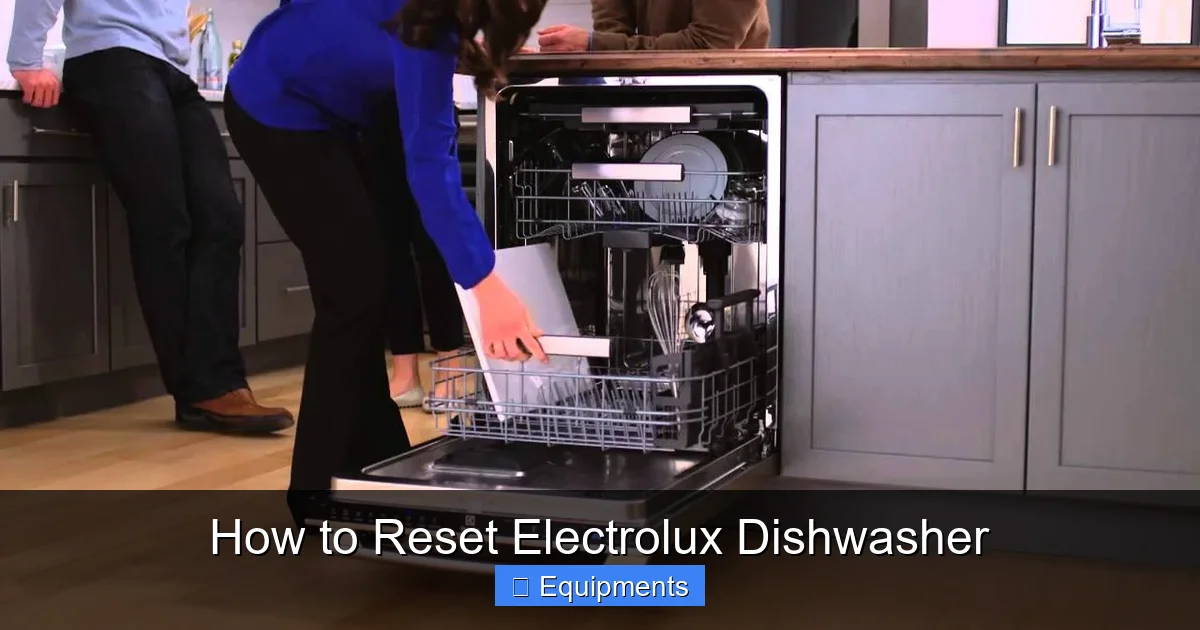
Electrolux dishwashers use a series of lights, beeps, and display codes to tell you what’s wrong. Recognizing these signals helps you decide whether a reset will fix the issue or if a deeper repair is needed.
Visual guide about How to Reset Electrolux Dishwasher
Image source: i.ytimg.com
1.1. Flashing Lights
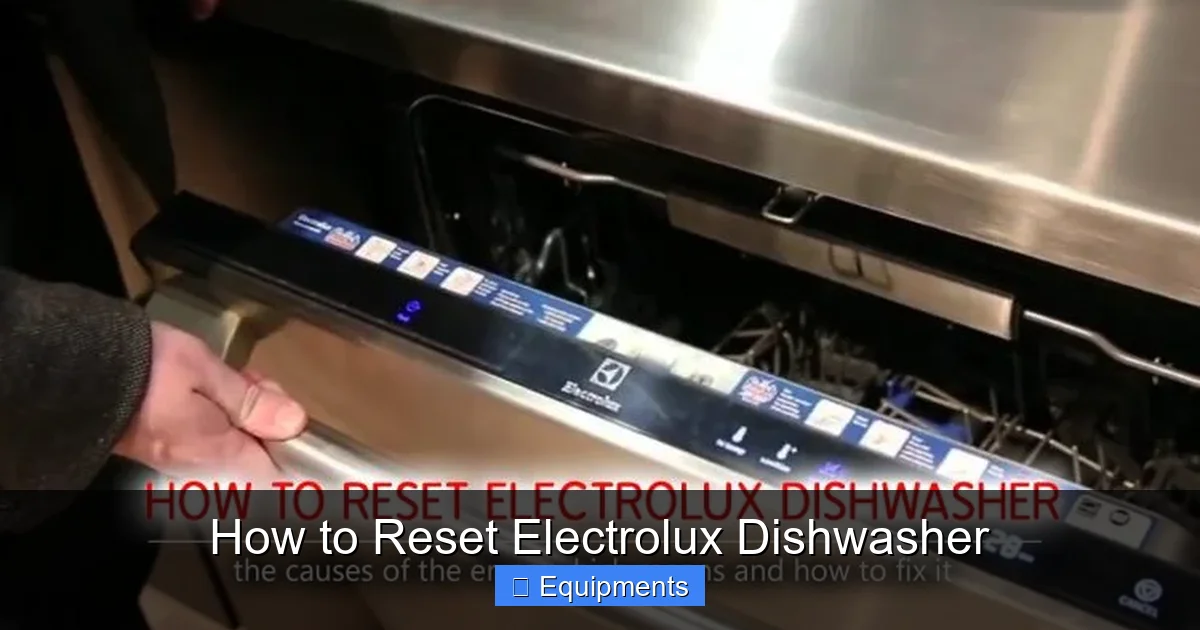
Most models have a small LED panel. A steady light usually means “ready,” while a blinking light (often 2‑4 seconds apart) signals an error. Count the blinks; the number often matches the error code in the user manual.
1.2. Beeping Patterns
Some newer Electrolux units emit a series of short beeps followed by a pause. The pattern repeats until the error is cleared. Write down the sequence—it’s a valuable clue for technicians.
1.3. Digital Displays
Higher‑end models show letters and numbers on a small screen (e.g., “E12” for water fill issues). Keep the manual handy; a quick lookup can tell you if a reset is recommended.
2. Preparing for a Reset
Before you press any buttons, take a few safety steps. This not only protects you but also prevents accidental damage to the appliance.
Visual guide about How to Reset Electrolux Dishwasher
Image source: all-errors.com
2.1. Safety First: Power Off
Unplug the dishwasher from the wall socket. If you cannot reach the plug, turn off the circuit breaker dedicated to the kitchen appliances. Wait about 30 seconds—this lets the internal electronics fully discharge.
2.2. Check the Door Latch
A misaligned door can cause the machine to think it’s open, leading to an error. Close the door firmly and make sure the latch clicks into place.
2.3. Inspect the Water Supply
Low water pressure, a kinked hose, or a closed valve often triggers a reset. Verify that the water tap is fully open and the inlet hose is not bent.
2.4. Clean the Filters
Clogged filters can cause overflow warnings. Remove the lower rack, pull out the filter assembly, rinse it under warm water, and reinstall.
3. Resetting Different Electrolux Models
Electrolux offers several dishwasher series—EF, EFD, and the newer SmartTouch line. While the core idea is the same, the button sequence varies. Below are the most common methods.
Visual guide about How to Reset Electrolux Dishwasher
Image source: mobileimages.lowes.com
3.1. Basic Power‑Cycle Reset (All Models)
This works for most minor glitches.
- Unplug or switch off the breaker.
- Wait 30‑60 seconds.
- Plug back in or flip the breaker on.
- Press the “Start” button and see if the cycle begins.
If the dishwasher starts normally, the reset solved the problem.
3.2. Reset Using Control Buttons (EF Series)
For EF‑300, EF‑400, and similar models:
- Press and hold the “Start/Resume” button for 3‑5 seconds.
- Release when the display flashes or the lights turn off.
- Wait a few seconds, then press “Start/Resume” again to begin a new cycle.
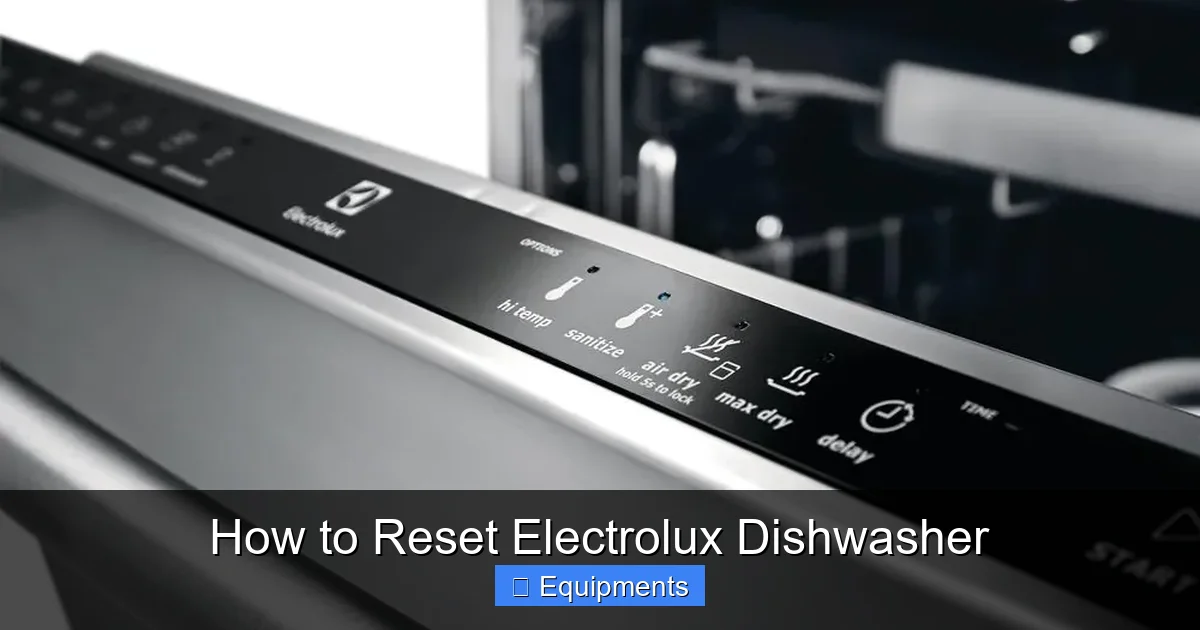
3.3. Reset Using the “Delay” and “Heated Dry” Buttons (EFD Series)
This method is useful when the dishwasher is stuck in a “dry” mode.
- Press the “Delay” button three times quickly.
- Immediately press and hold the “Heated Dry” button for 5 seconds.
- The control panel should blink, indicating a reset.
- Start a regular wash to confirm.
3.4. SmartTouch Reset (Newest Models)
SmartTouch panels combine touch icons with a hidden reset.
- Touch the “Settings” icon.
- Navigate to “System” → “Reset.”
- Confirm the reset by touching “Yes.”
- The machine will power down and restart automatically.
3.5. Resetting After a Power Surge
If a lightning strike or power outage occurred, the dishwasher’s electronic board may need a deeper reset.
- Turn off the main kitchen breaker for 2 minutes.
- Turn the breaker back on.
- Perform the basic power‑cycle reset (Section 3.1).
4. When a Reset Isn’t Enough
Sometimes the dishwasher will continue to show errors after a reset. Here’s how to diagnose further.
4.1. Persistent Error Codes
Write down the exact code or blink pattern. Common stubborn codes include:
- E12: Water fill issue – check inlet valve and pressure sensor.
- E24: Drain pump problem – inspect for blockages.
- E31: Heating element failure – may need replacement.
4.2. Mechanical Checks
Open the dishwasher and look for obvious problems:
- Obstructed spray arm – remove and clean the holes.
- Loose wiring – inspect the back panel (only if you’re comfortable).
- Corroded contacts – clean with a dry cloth.
4.3. When to Call a Professional
If you see any of the following, it’s time to contact Electrolux support or a certified technician:
- Water leaking from the base.
- Burning smell or unusual noises from the motor.
- Error codes that repeat after three reset attempts.
5. Preventive Maintenance to Reduce Future Resets
Regular care is the best way to keep error messages at bay. A little effort each month can save you hours of troubleshooting later.
5.1. Monthly Cleaning Routine
- Run an empty hot‑water cycle with a dishwasher cleaner tablet.
- Wipe the door gasket with a damp cloth to prevent mold.
- Check and clean spray arm nozzles using a toothpick.
5.2. Quarterly Deep Clean
Every three months, remove the lower rack, take out the filter assembly, and soak it in warm, soapy water for 10 minutes. Rinse thoroughly and reinstall.
5.3. Water Hardness Management
If you have hard water, use a rinse‑aid or install a water softener. Hard water leaves mineral deposits on heating elements, which can trigger error codes.
5.4. Proper Loading Techniques
Overloading or placing large items near the spray arm can block water flow. Follow Electrolux’s loading diagram: plates on the bottom rack, bowls and glasses on the top, and tall items like pots on the side.
Conclusion: A Reset Is Often the First Step
Electrolux dishwashers are built to be reliable, but like any appliance, they can hiccup. Most issues—flashing lights, error beeps, or a cycle that won’t start—are resolved with a simple reset. By following the safety steps, using the correct button combination for your model, and keeping up with regular maintenance, you’ll enjoy sparkling dishes without the stress of constant troubleshooting.
Remember: a reset is your first line of defense, but don’t ignore persistent problems. Document error codes, check water supply, and when in doubt, call a professional. With the right care, your Electrolux dishwasher will serve you faithfully for many meals to come.
Frequently Asked Questions
Can I reset my Electrolux dishwasher without unplugging it?
Yes. Many models allow a button‑press reset (e.g., holding “Start/Resume” for 3‑5 seconds). However, a full power‑cycle (unplugging) clears the control board more completely.
Why does my dishwasher keep flashing error code E12?
E12 usually indicates a water fill problem. Check that the inlet valve is open, the hose isn’t kinked, and the water pressure is adequate.
How often should I clean the filter?
Clean the filter at least once a month. If you cook heavily oily foods, consider cleaning it every two weeks.
Will using a dishwasher cleaner tablet affect the reset process?
No. Cleaner tablets are safe to use during a regular empty cycle. They actually help prevent the buildup that can cause errors.
My dishwasher makes a humming noise after a reset. Is that normal?
A low hum often means the pump is priming or the heating element is warming up. If the noise is loud or continues for more than a few minutes, inspect the pump for obstructions.
Is it safe to open the dishwasher while it’s resetting?
During a reset, the machine is usually not running, but it’s best to wait until the lights stop flashing or the display returns to “Ready” before opening the door.