Your Frigidaire oven’s lock mode is a safety feature, often triggered by a self-clean cycle, error, or control glitch. The most common fix is a simple reset by turning off the circuit breaker or unplugging the oven for several minutes. If that fails, specific button sequences for your model, found in the manual, are the next step. Always prioritize safety by disconnecting power before attempting any internal checks.
So, you’re all set to bake dinner, preheat your Frigidaire oven, and… nothing. The display is on, but it’s flashing a mysterious code or simply says “Locked.” The door handle won’t budge. Panic sets in. dinner is about to be a takeout night. Take a deep breath. This is one of the most common, and usually most fixable, issues with modern Frigidaire ovens. That frustrating lock is actually a sophisticated safety feature designed to protect you from extreme heat. Getting your Frigidaire oven out of lock mode is almost always a do-it-yourself task, but you need to approach it methodically. This guide will walk you through every possible solution, from the simple 60-second reset to understanding when it’s time to call a professional.
We’ll demystify the “Lock” light, explain why your oven thinks it needs to be secured, and give you clear, model-specific instructions. Whether you have a sleek Frigidaire Gallery induction range or a reliable Professional gas model, the principles are the same. By the end of this article, you’ll not only know how to unlock your oven but also understand how to prevent the situation from happening again. Let’s get that oven open and back to cooking.
Key Takeaways
- Lock mode is a safety feature: It prevents the oven door from opening during high-heat operations like self-cleaning or when a fault is detected.
- Power reset is the universal first step: Turning off the dedicated circuit breaker or unplugging the oven for 5-10 minutes clears temporary control board glitches.
- Your model number is key: The exact button combination to exit lock varies by Frigidaire series (Gallery, Professional, etc.). Find it on the oven’s frame or in the manual.
- Self-clean cycles have a mandatory lock period: After a self-clean, the oven will remain locked until it cools down completely, which can take over an hour.
- Persistent lock mode indicates a potential fault: If resets and sequences fail, components like the door lock assembly, motor, or control board may need professional diagnosis.
- Never force the door: Forcing a locked door can break the latch mechanism, leading to a costly repair. Always use the prescribed unlock methods.
- Consult your manual first: The user guide is the definitive source for your specific model’s lock/unlock instructions and troubleshooting flowchart.
📑 Table of Contents
- Understanding the “Lock”: Why Your Frigidaire Oven Locks Itself
- The Universal Reset: Your First and Most Powerful Tool
- Model-Specific Unlock Sequences: Decoding the Button Pushes
- Special Case: The Post-Self-Clean Lock (The Most Common Scenario)
- Troubleshooting Persistent Locks: When Reset and Sequences Fail
- When to Call a Professional Appliance Repair Technician
- Prevention and Best Practices to Avoid Future Lockouts
- Conclusion: Unlocking Your Cooking Confidence
Understanding the “Lock”: Why Your Frigidaire Oven Locks Itself
Before we start pressing buttons, it’s crucial to understand what “Lock Mode” actually means in your Frigidaire oven. It’s not a random malfunction; it’s a deliberate, programmed state. The oven’s electronic control board engages a motor-driven latch mechanism, typically located behind the door frame at the top or bottom. When activated, this latch physically slides into place, securing the door closed.
The Primary Triggers for Lock Mode
There are three main reasons your oven enters this state:
- Self-Cleaning Cycle: This is the #1 cause. During a self-clean, the oven heats to nearly 900°F (480°C) to incinerate food residue. The lock engages at the start of the cycle and remains engaged until the oven’s internal temperature drops to a safe level (usually below 500°F) and a cool-down timer expires. This can take 1-3 hours after the cycle ends.
- Error Code or Fault Detection: If the oven’s sensors detect a problem—like a temperature sensor failure, a heating element issue, or a communication error—it may initiate a “safe mode” by locking the door. This prevents you from opening it into a potentially hazardous situation (e.g., an element stuck “on”). The lock is often accompanied by an alphanumeric error code on the display.
- Control Board Glitch: Like any computer, your oven’s control board can experience a minor software hiccup. A temporary power surge or a simple bug can cause it to get “stuck” in the lock state, even when no error exists.
Identifying the Type of Lock You’re Facing
Look at your oven’s display. The clues are there:
- “Lock” or a Padlock Icon: This usually indicates a manual lock activation or a post-self-clean state. The door is physically secure.
- Flashing “F#” or “E#” Code: This is an error code. The lock is a symptom of a deeper issue. You must address the code to clear the lock. Note the code (e.g., F10, F31, E1).
- All Lights On/Blank Display: This often points to a severe control failure or power issue, not just a lock.
Your first diagnostic step is simply: Has the oven just completed a self-clean cycle? If yes, wait. Patience is the required tool. If not, or if hours have passed, proceed to the troubleshooting steps below.
The Universal Reset: Your First and Most Powerful Tool
For a lock caused by a control glitch or a cleared error, a full power reset is the magic trick. It forces the oven’s computer to reboot from scratch, clearing temporary memory and resetting all systems. This is the first step you should try in any lock situation (except a just-finished self-clean, where waiting is required).
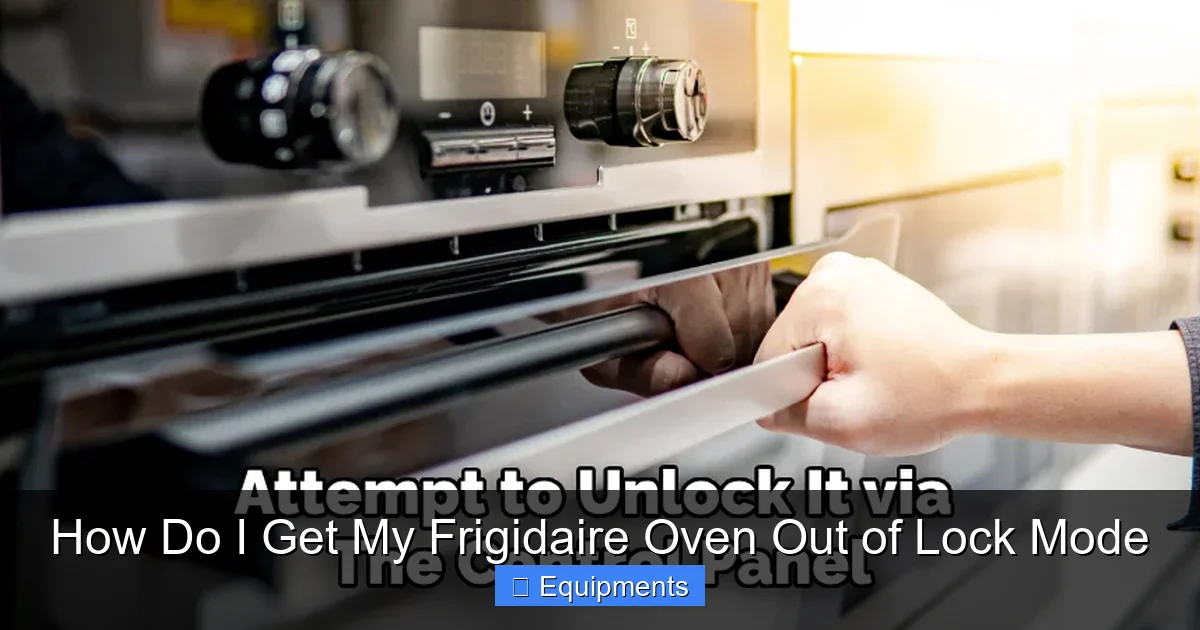
Visual guide about How Do I Get My Frigidaire Oven Out of Lock Mode
Image source: thekitchenix.com
Method 1: The Circuit Breaker (Most Reliable)
This is the gold standard method because it cuts all power to the oven, including any backup memory.
- Locate your home’s electrical panel. It’s usually in a garage, basement, or utility closet.
- Identify the dedicated breaker for your oven. It should be labeled “Oven,” “Range,” or “Kitchen.” It will be a double-pole breaker (two switches connected).
- Flip the breaker to the OFF position. You will hear a distinct click. The oven’s display and lights will go out immediately.
- Wait for 5-10 minutes. This is critical. It allows any residual charge in the oven’s capacitors to dissipate fully, ensuring a true reset.
- Flip the breaker back to ON.
- Return to the oven. The display will likely show a clock or a default message. The lock should be cleared. Try opening the door.
Pro Tip: After resetting, the clock will need to be reset. This is normal. Also, any scheduled cooking or timer settings will be erased.
Method 2: Unplugging the Oven
If your oven is on a plug-in cord (common for freestanding ranges, less so for built-ins), this is equally effective.
- Safety First: Ensure the oven is cool and there is no food inside.
- Pull the oven gently away from the wall to access the outlet. Be careful not to drag it across a vinyl or delicate floor.
- Unplug the power cord.
- Wait 5-10 minutes.
- Plug it back in firmly.
- Check the display and attempt to open the door.
What If the Reset Doesn’t Work?
If the lock symbol or error code returns immediately after the power reset, the problem is not a simple glitch. The oven’s control board is detecting a persistent fault that it believes requires the door to remain locked. This leads us to the next step: using your oven’s specific key sequence.
Model-Specific Unlock Sequences: Decoding the Button Pushes
Frigidaire uses different “secret codes” for various oven series to manually override the lock motor. These sequences are designed to be performed on the oven’s control panel itself. Finding your exact model number is now your most important task.
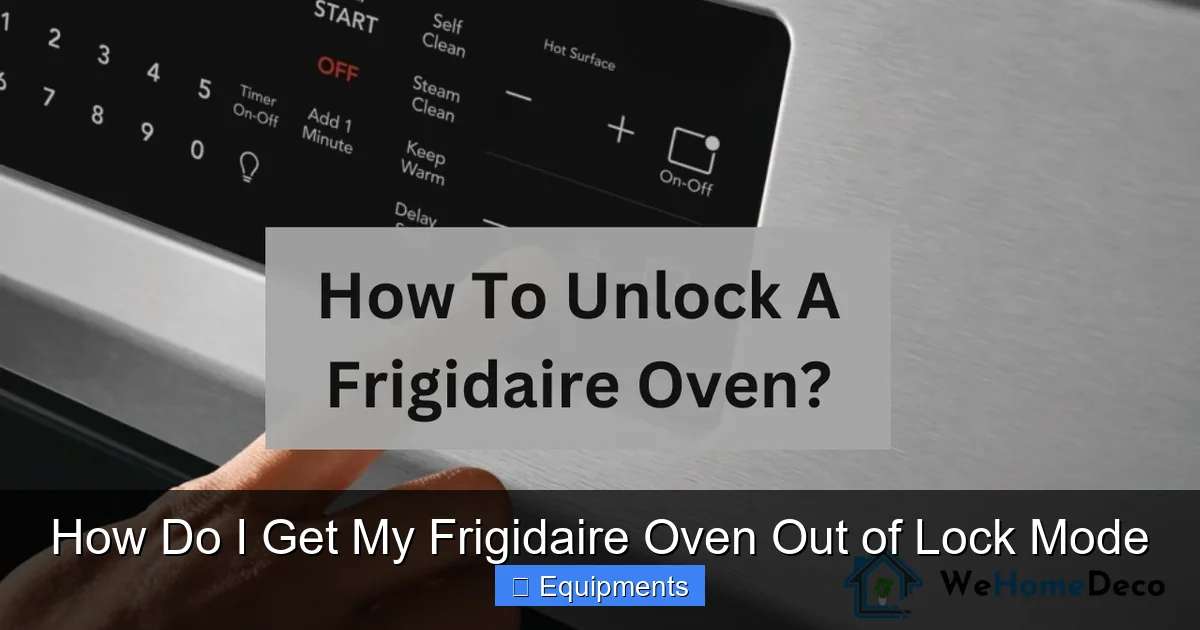
Visual guide about How Do I Get My Frigidaire Oven Out of Lock Mode
Image source: wehomedeco.com
Step 1: Locate Your Model Number
It’s a series of letters and numbers (e.g., FGEF3042TF, LFEFS3048TF). Check these spots:
- On a metal plate or sticker on the oven’s door frame (often visible when you open the door).
- On the back of the control panel.
- On the side trim of the oven.
- In your original owner’s manual or warranty paperwork.
Once you have it, you can search online for “[Your Model Number] lock mode” or check Frigidaire’s official support site. However, the following sequences cover the vast majority of Frigidaire models manufactured in the last 15 years.
Step 2: Try the Common Unlock Sequences
For each sequence, ensure the oven is powered on (display lit). Press the buttons in the exact order and timing specified. You may need to hold the last button for 3-5 seconds. The lock icon should disappear, and you may hear a clicking sound from the latch.
- Sequence A (Most Common for newer models): Press and Hold the “Cancel” or “Off” button for 3-5 seconds. Sometimes it’s just a quick press. If that doesn’t work, try holding “Cancel” and “Bake” together.
- Sequence B: Press “Cancel,” then “Self-Clean,” then “Cancel” again. This mimics the start and immediate cancellation of a self-clean cycle, which can force a reset of the lock mechanism.
- Sequence C (For ovens with a “Lock” button): Press and Hold the dedicated “Lock” or “Child Lock” button for 3 seconds. This is the intended method for manual locking/unlocking on some models.
- Sequence D (For touch-screen or premium models): Press “Settings,” navigate to “Lock” or “Safety,” and toggle it off. The lock may be a menu option rather than a physical sequence.
What to Do If the Buttons Don’t Respond
If the control panel is frozen or unresponsive, the power reset (from the previous section) is your only option before the control board can accept input again. After the reset, immediately try the button sequence for your model before the lock re-engages (if it’s a fault-induced lock).
Special Case: The Post-Self-Clean Lock (The Most Common Scenario)
As mentioned, this is the #1 reason for a locked oven. The good news? It’s almost always a waiting game, not a repair. The bad news? The wait can feel eternal.
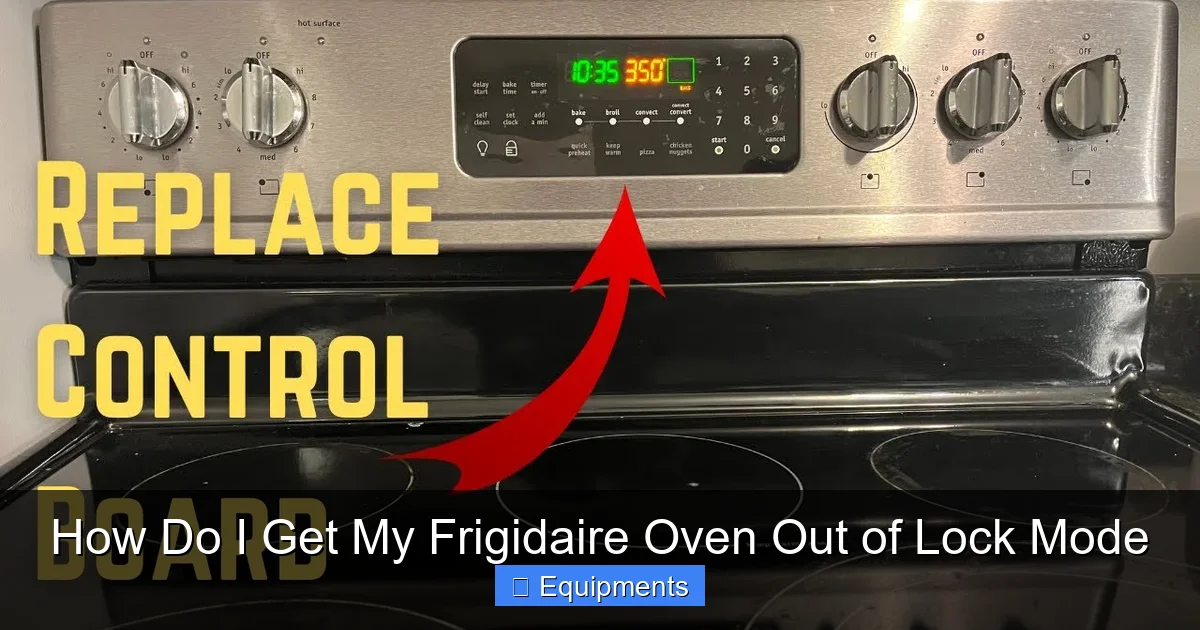
Visual guide about How Do I Get My Frigidaire Oven Out of Lock Mode
Image source: i.ytimg.com
How the Self-Clean Lock Cycle Works
When you start a self-clean:
- The oven door automatically locks within a few minutes.
- The temperature rockets to ~900°F.
- The cycle runs for 2-4 hours (depending on soil level and model).
- The oven then enters a cool-down phase. The fan may run, but the heating elements are off.
- The lock will NOT release until the internal temperature sensor reads below a safety threshold (typically 500°F/260°C). This is a hard-coded safety rule.
How to Safely Expedite the Cool-Down
You cannot override this safety lock. Forcing it is dangerous and will break the latch. You can, however, help the oven cool down:
- DO NOT try to pry the door or use tools.
- DO NOT run the self-clean cycle again to “fix” it.
- Ensure the oven is off. The “Clean” or “Self-Clean” indicator should be off. If it’s still on, the cycle is not complete.
- Leave the oven door completely closed. Opening it even slightly during cool-down can trigger the lock to re-engage as a safety precaution.
- Improve kitchen ventilation. Turn on your range hood fan to its highest setting. Open nearby windows to create cross-ventilation. This helps draw hot air away from the oven cabinet.
- Patience. Depending on the ambient temperature and oven insulation, expect a wait of 60 to 180 minutes after the cycle ends and the “Clean” light goes out.
After waiting a reasonable time, try the “Cancel” button sequence (Sequence A or B from the previous section). Often, the control board will finally release the lock once it confirms the temperature is safe.
Troubleshooting Persistent Locks: When Reset and Sequences Fail
If you’ve performed a full circuit breaker reset, tried all the relevant button sequences for your model, and waited hours after a self-clean, but the oven remains locked and/or displays an error code, you have a genuine hardware or sensor fault. At this point, diagnosis requires more technical skill.
Potential Mechanical Failures
- Faulty Door Lock Assembly: The motor that drives the latch may have burned out. The latch may be physically jammed with food debris or misaligned.
- Broken Latch Hook or Switches: The physical metal hook that secures the door can bend or break. Micro-switches inside the lock assembly that signal the control board that the door is “locked” or “unlocked” can fail.
Visual Inspection (Power OFF!): You can often look through the vent slots at the top or bottom of the oven door frame to see the latch mechanism. With the power off, try to gently move the latch with a non-conductive tool (like a wooden dowel). If it’s stiff or doesn’t move, it’s likely jammed or the motor is seized.
Potential Electrical/Control Faults
- Failed Temperature Sensor (RTD/NTC): If the sensor incorrectly reports a very high temperature (e.g., “1000°F” when the oven is cold), the control board will keep the door locked as a safety precaution, thinking it’s still hot from a clean cycle.
- Faulty Control Board (ERC/Clock): The main computer may have a failed output relay that controls the lock motor, or a corrupted program.
- Wiring Issue: A loose, burnt, or shorted wire connecting the lock motor or sensor to the control board can cause a “loss of signal” error, triggering the lock.
Diagnosing with Error Codes
If your display shows an error code like F10, F31, F32, E1, E2, this is your clue. Search “Frigidaire oven [Your Error Code].” These codes often point directly to:
- F10: Typically a runaway temperature or sensor issue. The oven thinks it’s overheating, so it locks.
- F31/F32: Often related to the door lock assembly or its communication with the board.
The code tells you what the board is upset about, but not necessarily which part is bad. A sensor test with a multimeter (checking resistance at room temp) is a common next step for a technically inclined DIYer.
When to Call a Professional Appliance Repair Technician
There is a clear line between DIY troubleshooting and professional repair. Call a certified Frigidaire appliance technician if:
- All reset and unlock sequences fail. You’ve done the breaker reset, waited, and tried every button combo.
- An error code persists after a reset. The code returns immediately, indicating a solid fault.
- You hear unusual sounds. A buzzing, humming, or clicking sound from the lock area (usually at the top of the door) when you try to lock/unlock suggests a motor is trying to work but is seized or jammed.
- You smell burning or see visible damage. Any signs of burnt components, melted plastic, or charring near the control panel or lock area mean stop immediately and call a pro.
- You are uncomfortable working with electricity or appliance internals. Safety is paramount. Ovens involve 240-volt power and high heat components.
A professional will have the service manual for your specific model, diagnostic tools to test sensors and lock motor circuits, and the correct replacement parts. They can also verify that the door seal and alignment are correct after any repair, which is critical for safe and efficient operation.
Prevention and Best Practices to Avoid Future Lockouts
Once you’ve freed your oven, you’ll want to avoid this stressful situation again. Most lock issues are preventable with good habits.
After a Self-Clean Cycle
- Let it cool completely. Do not try to rush it. The lock is a safety feature, not a suggestion.
- Don’t interrupt the cycle. Opening the oven during a self-clean is impossible by design, but turning off the breaker mid-cycle can cause the control board to get confused and potentially lock up permanently.
- Wipe excess spills before cleaning. Heavy, baked-on spills can create more ash and debris, which can potentially jam the latch mechanism over time. A quick pre-clean scrape helps.
General Oven Care
- Keep the door gasket clean. Wipe the rubber seal around the door with a damp cloth. Food debris here can dry and harden, potentially interfering with the door’s closure and the latch’s engagement.
- Ensure the door closes fully and evenly. Hinge problems or a misaligned door can prevent the latch from properly engaging or disengaging, causing error codes.
- Use the manual lock feature correctly. If your model has a “Child Lock” or manual lock button, know its function. Don’t engage it accidentally.
- Protect from power surges. Consider a whole-home surge protector. Electrical spikes can damage sensitive control boards.
Conclusion: Unlocking Your Cooking Confidence
Getting your Frigidaire oven out of lock mode is a journey from simple to complex. Start with the universal power reset—it solves the majority of glitch-related locks. If that fails, your model number is your map to the correct button sequence. For the dreaded post-self-clean lock, embrace the waiting game; it’s a necessary safety protocol. When all else fails, and especially if error codes are involved, understand that you’re likely dealing with a failed component like the lock motor, a sensor, or the control board itself.
The key takeaway is this: your oven’s lock is there for your protection. It’s a sign that the appliance’s internal systems are either working correctly (cooling down) or have detected something wrong. By methodically working through the steps in this guide—from patient waiting, to power cycling, to consulting your model-specific manual—you can solve the problem yourself with confidence. And when the problem is beyond a simple reset, you now have the knowledge to intelligently describe the issue to a repair technician, saving time and money. Now, go unlock that oven and get back to the joy of cooking.
Frequently Asked Questions
How do I know if my Frigidaire oven is in lock mode or just broken?
If the display shows a “Lock” icon, padlock symbol, or a flashing error code (like F10 or F31) and the door physically will not open, it is in lock mode. A completely dead display with no lights usually indicates a separate power or main control failure, not just a lock.
My oven finished a self-clean cycle 2 hours ago but is still locked. Is this normal?
Yes, this can be normal. The lock will not release until the internal temperature drops below a safety threshold, which can take 1-3 hours depending on your kitchen’s temperature and the oven’s insulation. Ensure the “Clean” or “Self-Clean” indicator light is off before assuming the cycle is complete.
I tried the circuit breaker reset, but the lock came back after 5 minutes. What now?
This indicates a persistent fault that the control board detects. You must now find your model number and perform the specific button sequence for your oven. If the sequence also fails or an error code appears, you likely have a faulty component (sensor, lock motor, control board) requiring professional diagnosis.
My Frigidaire oven’s control panel is completely dark and unresponsive. Is it locked?
A dark, unresponsive panel is typically a power issue or a severe control board failure, not a standard lock mode. First, check your home’s circuit breaker for the oven. If the breaker is on, the oven may have a failed main control board (ERC) or a thermal fuse has blown, which requires professional repair.
Can I manually release the lock with a screwdriver or tool?
Absolutely not. Forcing the door will almost certainly break the plastic latch mechanism or the metal hook, leading to a costly repair. The lock is motorized and designed to be released electronically. Manual override is not a feature and attempting it is dangerous.
What Frigidaire oven error codes are most commonly linked to a lock problem?
The most common are F10 (indicating a temperature sensor or overheating issue) and F31/F32 (specifically related to the door lock assembly or its communication with the control board). If you see these codes, the lock is a symptom of the underlying fault the code represents.
