Starting a Miele dishwasher is easier than you think. Follow our simple, friendly guide to load, select cycles, and troubleshoot common issues, ensuring sparkling dishes every time. Get ready to enjoy hassle‑free cleaning in minutes.
Key Takeaways
- Read the manual first: Knowing your model’s specific controls prevents mistakes.
- Proper loading matters: Correct placement of dishes improves cleaning and prevents damage.
- Select the right cycle: Miele offers specialized programs for glassware, pots, and eco‑friendly washes.
- Check for prep steps: Rinse off large food particles and secure the rinse aid.
- Use the start button correctly: Press and hold for a few seconds to activate the chosen program.
- Troubleshoot common errors: Simple fixes for “door not closed” or “water supply” alerts.
- Maintain regularly: Clean filters and spray arms to keep performance optimal.
📑 Table of Contents
- Introduction: Why Knowing How to Start Your Miele Dishwasher Matters
- 1. Getting Familiar with Your Miele Dishwasher Controls
- 2. Preparing Your Dishwasher for Its First Run
- 3. Loading Your Dishes the Miele Way
- 4. Selecting the Right Cycle and Starting the Machine
- 5. Troubleshooting Common Issues When Starting
- 6. Maintaining Your Miele Dishwasher for Consistent Performance
- Conclusion: Mastering the Simple Start for Brilliant Results
Introduction: Why Knowing How to Start Your Miele Dishwasher Matters
Imagine coming home after a busy day, opening the kitchen, and seeing a pile of dishes gleaming under the kitchen lights. That’s the promise of a Miele dishwasher. But the magic only happens if you know the right way to start it. Many owners skip the simple steps—like checking the rinse aid or selecting the proper cycle—and end up with spots, streaks, or unfinished washes.
In this guide we’ll walk you through everything you need to know, from unpacking the brand‑new machine to troubleshooting the most common alerts. Think of it as a chat with a friend who just installed a Miele dishwasher and wants to make sure you get the best results every single time.
1. Getting Familiar with Your Miele Dishwasher Controls
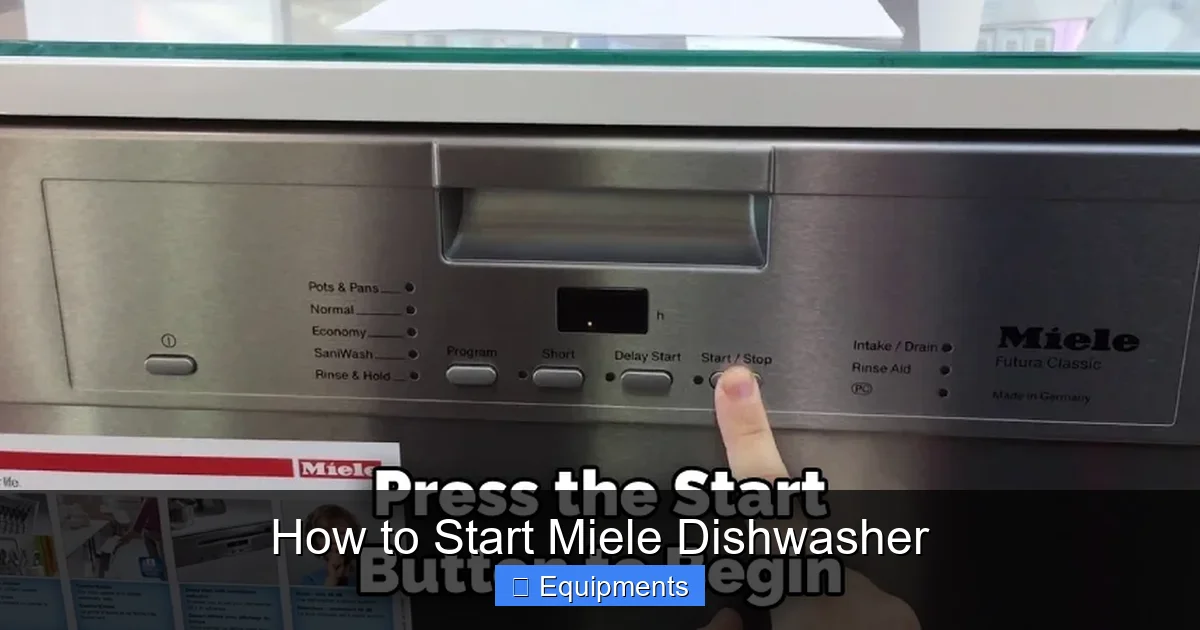
1.1. The Control Panel Layout
Miele dishes are known for sleek, minimalist panels. Most models feature a digital display with a few tactile buttons:
Visual guide about How to Start Miele Dishwasher
Image source: thekitchenix.com
- Power/On‑Off button: Turns the unit on and off.
- Program selector knob or touchpad: Lets you choose cycles such as Auto, Eco, Glass, or Intensive.
- Start/Pause button: Begins the chosen program or pauses it.
- Delay timer: Sets the dishwasher to start later (usually up to 24 hours).
- Options button: Adds extra features like extra rinse, half load, or speed boost.
Take a moment to locate each button on your model. A quick glance at the user manual will confirm the exact symbols, but the basics stay the same across the range.
1.2. Understanding the Digital Display
The digital screen shows the selected program, remaining time, and any error codes. When you first power on the machine, you’ll see a brief self‑test; the display will flash “‑‑‑” before settling on the default “Auto” program. This is your cue that the dishwasher is ready for action.
2. Preparing Your Dishwasher for Its First Run
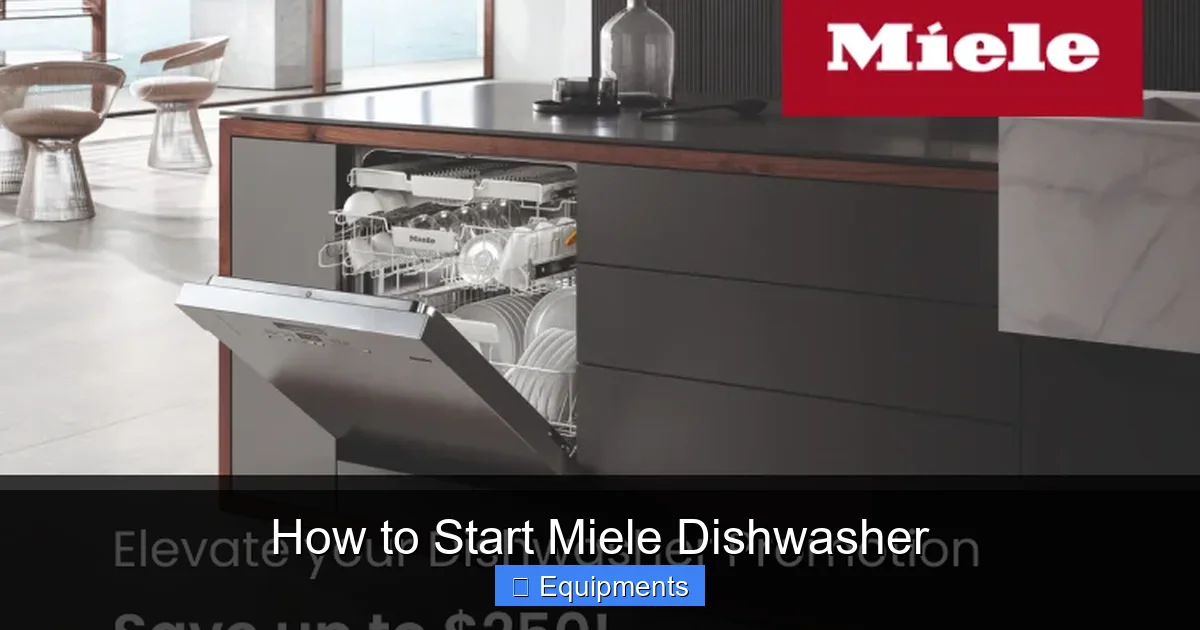
2.1. Remove Packing Materials
Before you even think about loading plates, pull out any plastic films, shipping bolts, or protective foam. These items can block spray arms or cause damage if left inside.
Visual guide about How to Start Miele Dishwasher
Image source: assets.ajmadison.com
2.2. Check the Rinse Aid Reservoir
Miele dishes rely on rinse aid to prevent water spots. Locate the small blue or green cap on the door’s inner edge, twist it open, and fill it with a quality rinse aid until the “max” line is reached. This step alone can cut spotting by half.
2.3. Install the Cutlery Basket (If Applicable)
Some models come with a separate cutlery basket that slides into the lower rack. Place it correctly; otherwise, utensils may block the spray arm.
2.4. Run an Empty Cycle
For brand‑new units, run a short “Rinse” or “Eco” cycle without dishes. This clears any residual manufacturing debris and calibrates the water sensor.
3. Loading Your Dishes the Miele Way
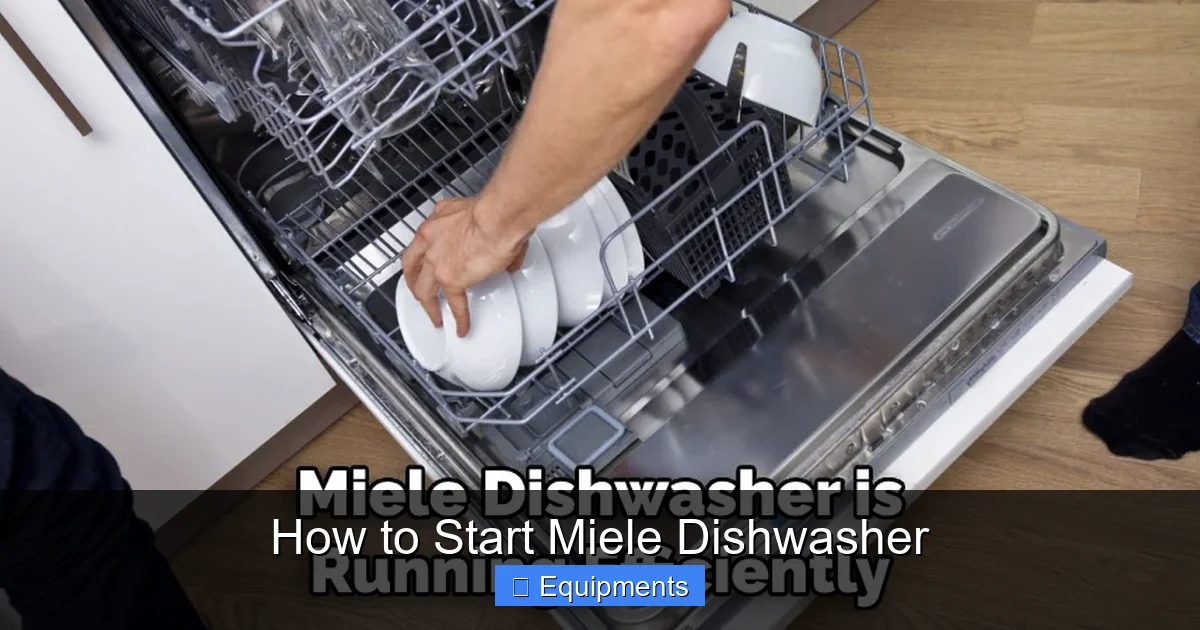
3.1. General Loading Rules
- Top rack for glasses and cups: Place them upside down, angled for water flow.
- Bottom rack for plates, pots, and pans: Face the dirty side toward the spray arm.
- Avoid overcrowding: Give each item space; water needs a clear path.
- Secure large items: Use the fold‑down tines to keep pots from moving.
3.2. Loading Cutlery Properly
Insert knives with the blades down for safety, and mix spoons and forks to prevent them from nesting together. This ensures each piece gets rinsed.
Visual guide about How to Start Miele Dishwasher
Image source: thekitchenix.com
3.3. Special Items: Plastic, Wood, and Delicates
Place plastic containers on the top rack, away from the heating element. Wooden utensils should be kept out of the dishwasher; if you must wash them, use a gentle “Glass” cycle and dry immediately.
4. Selecting the Right Cycle and Starting the Machine
4.1. Overview of Common Miele Programs
- Auto (Intelligent Wash): Sensors detect soil level and adjust water, temperature, and time.
- Eco: Lower temperature, longer wash—great for lightly soiled loads.
- Intensive: High temperature and extra rinse for pots, pans, and heavily soiled items.
- Glass: Gentle spray and low temperature for crystalware.
- Speed60/Speed90: Fast cycles for lightly soiled dishes (60 or 90 minutes).
4.2. Step‑by‑Step: How to Start Miele Dishwasher
- Power on: Press the Power button. The display will light up.
- Close the door firmly: A soft click confirms it’s sealed.
- Select your program: Turn the selector knob or tap the touchpad until the desired cycle appears.
- Choose extra options (if needed): Press the Options button for extra rinse, half‑load, or delay start.
- Press Start/Pause: Hold for 2–3 seconds. The dishwasher will beep and the water will begin to fill.
- Monitor the first run: For the first few cycles, watch the display for any error codes.
That’s it! Your Miele dishwasher will now run the selected program automatically, adjusting water usage and temperature as needed.
4.3. Using the Delay Timer
If you want the wash to begin during off‑peak hours, press the Delay button and use the arrows to set the start time. The machine will count down and start on its own.
5. Troubleshooting Common Issues When Starting
5.1. “Door Not Closed” Alert
Check that nothing is blocking the latch—sometimes a large plate can prevent the door from sealing fully. Push the door gently until you hear a firm click.
5.2. “No Water” or “Water Supply Error”
- Ensure the water tap is fully open.
- Inspect the inlet hose for kinks.
- Clean the inlet filter (usually a small screen inside the hose connection).
5.3. “Leak Detected” Warning
If the machine stops mid‑cycle, turn it off, wipe any standing water, and check the bottom rack for over‑filled detergent or misplaced items.
5.4. Unusual Noises
Rattling can mean something is loose inside the spray arm. Remove the arm (consult the manual), rinse it, and re‑install.
5.5. Persistent Error Codes
Write down the code displayed and refer to the troubleshooting chart in the manual. Often a quick reset—turning the unit off for 5 minutes—clears the fault.
6. Maintaining Your Miele Dishwasher for Consistent Performance
6.1. Cleaning the Filter
Open the bottom rack, locate the cylindrical filter, twist it out, and rinse under warm water. Do this every month or after a heavy‑soil load.
6.2. Descaling the Unit
Hard water can cause mineral buildup. Run an empty cycle with a Miele‑approved descaling agent every 3–4 months.
6.3. Inspecting Spray Arms
Remove the arms periodically and clear any debris from the holes using a toothpick or soft brush. This keeps water flow optimal.
6.4. Keeping the Door Seal Clean
Wipe the rubber gasket with a damp cloth and a mild detergent. A clean seal prevents leaks and ensures the door closes properly.
6.5. Using the Right Detergent
Miele recommends low‑phosphate, high‑efficiency detergents. Too much suds can interfere with the sensor and cause a “Too many bubbles” warning.
Conclusion: Mastering the Simple Start for Brilliant Results
Starting a Miele dishwasher isn’t rocket science—it’s about a few deliberate steps: load correctly, select the right program, and press start with confidence. By following the tips above, you’ll avoid common pitfalls, enjoy spotless dishes, and extend the life of your appliance. Keep the maintenance routine simple, and your Miele will reward you with years of sparkling performance.
Now that you know how to start a Miele dishwasher, go ahead and give it a try. Your future self will thank you every time you open the door to a clean, gleaming kitchen.
Frequently Asked Questions
How do I know which cycle to choose for my load?
Use Auto for everyday dishes, Eco for lightly soiled loads, Intensive for pots and pans, and Glass for delicate crystalware. The display will guide you.
Can I start the dishwasher without closing the door?
No. The unit will not begin until the door is fully latched. If you hear a “door not closed” alert, check for obstructions.
What should I do if the dishwasher won’t start after pressing Start?
First, ensure the door is sealed and the power light is on. Then check the water supply and make sure the delay timer isn’t set.
Is it safe to use regular dish soap?
Never use regular hand‑washing soap. It creates excess suds that can damage the sensor. Stick to low‑phosphate, high‑efficiency dishwasher detergent.
How often should I clean the filter?
Clean the filter at least once a month, or after a heavy‑soil wash, to prevent food particles from redepositing on dishes.
Can I run the dishwasher on a timer to take advantage of off‑peak electricity?
Yes. Use the Delay Start function to schedule the wash up to 24 hours in advance, aligning it with cheaper electricity rates.