Need to get your Midea dishwasher back on track? Follow our simple reset guide to clear error codes, fix common issues, and keep your machine running smoothly. We also share handy maintenance tips to prevent future problems.
Key Takeaways
- Reset methods vary by model: Know whether your dishwasher uses a button combo, a digital panel, or a power‑cycle reset.
- Safety first: Always unplug or turn off the circuit breaker before attempting any reset.
- Common error codes: Learn the meaning of “E1,” “E2,” “E3,” and “F” to decide if a reset will solve the problem.
- Routine maintenance prevents resets: Clean filters, spray arms, and door seals regularly.
- When to call a technician: Persistent errors after multiple resets indicate a deeper mechanical or electronic fault.
- Energy‑saving tip: Resetting can recalibrate the sensor, helping the dishwasher use water and electricity more efficiently.
- Record your steps: Keeping a short log of resets helps diagnose recurring issues.
📑 Table of Contents
- Introduction: Why Resetting Your Midea Dishwasher Matters
- 1. Understanding Your Midea Dishwasher Model
- 2. Basic Power‑Cycle Reset (All Models)
- 3. Model‑Specific Reset Procedures
- 4. Troubleshooting Beyond the Reset
- 5. Preventive Maintenance to Avoid Future Resets
- 6. When to Call a Professional
- Conclusion: Keep Your Midea Dishwasher Running Like New
Introduction: Why Resetting Your Midea Dishwasher Matters
Imagine you’ve just loaded a mountain of plates after dinner, hit the start button, and—nothing. The lights are flashing, a beeping sound echoes, or the door won’t lock. It’s frustrating, right? Most of the time, the culprit is a simple glitch that a quick reset can fix.
Midea dishwashers are known for their reliability, but like any appliance, they can get confused by power surges, sensor errors, or clogged components. Resetting the unit clears the electronic “brain” and gives it a fresh start, just like rebooting a computer.
In this guide, we’ll walk you through every reset method for the most common Midea models, explain what error codes mean, and share maintenance tricks that keep your dishwasher humming for years.
1. Understanding Your Midea Dishwasher Model
1.1 Identify the model number
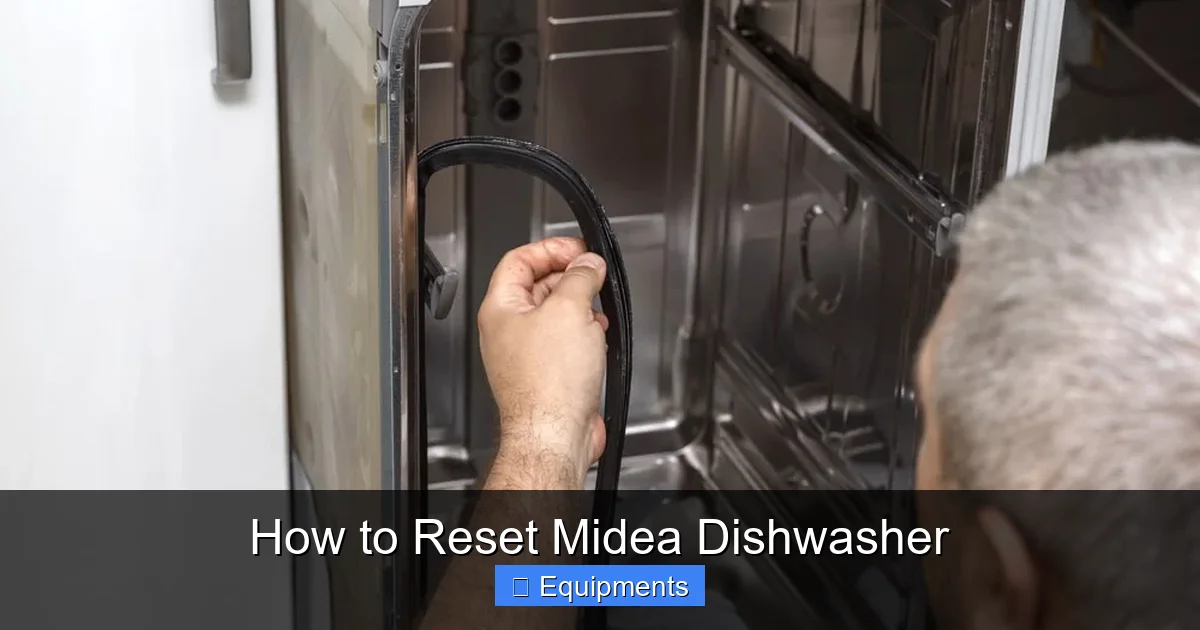
The first step is to locate the model number. It’s usually on a sticker inside the door frame or on the side panel. Write it down; you’ll need it when you search for specific instructions or replacement parts.
Visual guide about How to Reset Midea Dishwasher
Image source: missvickie.com
1.2 Button‑based vs. digital‑panel models
Midea offers two main families:
- Button‑based models: Simple push‑button controls (Start, Pause, Delay, etc.). Reset is done with a combination of these buttons.
- Digital‑panel models: Touch‑screen or LCD panels with icons. Reset often involves holding the “Power” or “Reset” icon.
Knowing which family you own tells you which reset steps to follow.
2. Basic Power‑Cycle Reset (All Models)
2.1 When to use a power‑cycle reset
A power‑cycle reset is the universal “turn it off and on again.” Use it when you see a blinking light, a beeping alarm, or the dishwasher stops mid‑cycle.
Visual guide about How to Reset Midea Dishwasher
Image source: missvickie.com
2.2 Step‑by‑step power‑cycle
- Turn off the dishwasher: Press the “Power” button or simply stop the cycle.
- Unplug the unit: Pull the plug from the wall outlet. If the plug is hard‑wired, switch off the dedicated circuit breaker.
- Wait 2–3 minutes: This allows any stored charge in the control board to dissipate.
- Plug it back in: Restore power and press “Power” to restart.
- Run a short cycle: Choose a quick wash to test that the reset worked.
If the problem disappears, great! If the error returns, move on to model‑specific resets.
3. Model‑Specific Reset Procedures
3.1 Button‑Combination Reset (Older Midea Models)
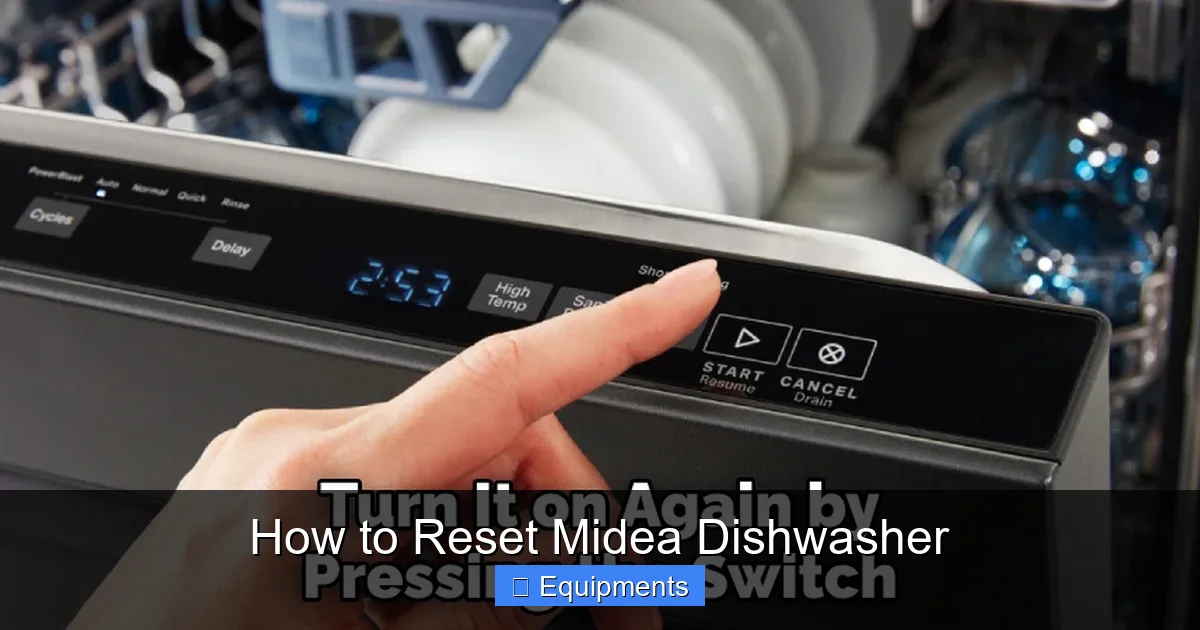
Many older Midea dishwashers use a three‑button combo to reset.
Visual guide about How to Reset Midea Dishwasher
Image source: thekitchenix.com
- Make sure the dishwasher is turned off.
- Press and hold Start + Delay + Cancel simultaneously for about 5 seconds.
- The display should flash or turn off, indicating a reset.
- Release the buttons and wait a few seconds.
- Press Start to begin a normal cycle.
3.2 Digital Panel Reset (Modern Midea Models)
Newer models with touch screens have a dedicated reset icon.
- Press the Power button to turn the unit off.
- Press and hold the Reset (often a circular arrow) icon for 3–5 seconds.
- The screen will go blank, then display “00:00” or “Ready.”
- Release the button and select your desired program.
3.3 Resetting Specific Error Codes
Some error codes require a special reset sequence.
- E1 (Water inlet error): Turn off water supply, wait 1 minute, then turn it back on and reset.
- E2 (Drainage error): Check the drain hose for kinks, clear any blockage, then perform a power‑cycle reset.
- E3 (Temperature sensor error): Allow the dishwasher to cool for 15 minutes, then reset via the digital panel.
- F (Fault): Perform a full power‑cycle reset and run a diagnostic mode if available (consult the user manual).
4. Troubleshooting Beyond the Reset
4.1 Check the door latch and seal
If the door won’t lock, the latch may be misaligned or the seal could be dirty. Clean the seal with a damp cloth, ensure the latch clicks into place, and try starting again.
4.2 Inspect the filters and spray arms
Clogged filters cause water flow problems that trigger error codes. Remove the lower rack, take out the filter basket, rinse under running water, and reinstall. Also, spin the spray arms to ensure they rotate freely.
4.3 Verify water pressure
Midea dishwashers need at least 20 psi water pressure. Low pressure can cause “E1” errors. Check your home’s pressure gauge or contact a plumber if needed.
4.4 Run a self‑diagnostic (if available)
Some digital models have a diagnostic mode. Press and hold the “Start” button for 10 seconds; the display will cycle through codes. Compare them with the manual to pinpoint the issue.
5. Preventive Maintenance to Avoid Future Resets
5.1 Monthly cleaning routine
- Wipe the door gasket with a mild detergent.
- Run an empty cycle with a dishwasher cleaner tablet.
- Check and clean the filter basket.
5.2 Quarterly deep‑clean
Every three months, remove the spray arms, soak them in warm, soapy water, and clear any debris from the holes using a toothpick. Reinstall and run a short hot cycle.
5.3 Seasonal checks
Before summer vacations or winter storms, inspect the water inlet valve for mineral buildup. Descale with a vinegar solution if you notice cloudiness.
5.4 Use the right detergent
High‑phosphate powders can leave residue that clogs the pump. Stick to Midea‑approved low‑sudsing detergents and avoid over‑filling the dispenser.
6. When to Call a Professional
6.1 Persistent error codes after three resets
If the same error reappears after multiple resets, the sensor or pump may be failing. A qualified technician can replace the faulty part.
6.2 Unusual noises or leaks
Grinding, squealing, or water pooling under the unit signals mechanical wear that requires expert attention.
6.3 Warranty considerations
Opening the dishwasher yourself may void the warranty. If your unit is still under warranty, contact Midea support before attempting major repairs.
Conclusion: Keep Your Midea Dishwasher Running Like New
Resetting your Midea dishwasher is often the quickest fix for error codes, unresponsive controls, or stalled cycles. By following the power‑cycle method, applying the model‑specific reset steps, and maintaining a regular cleaning schedule, you’ll extend the life of your appliance and enjoy sparkling dishes every day.
Remember: safety first, keep a log of resets, and don’t hesitate to call a professional when the problem goes beyond a simple reboot. With these tips in hand, you’ll feel confident tackling any dishwasher hiccup that comes your way.
Frequently Asked Questions
How do I know if my Midea dishwasher needs a reset?
If the display flashes, the unit beeps repeatedly, or a wash cycle stops mid‑way, a reset is usually the first troubleshooting step.
Can I reset the dishwasher without unplugging it?
Yes, many digital models allow a reset by holding the “Reset” or “Power” button for a few seconds. However, a full power‑cycle (unplugging) clears the memory more completely.
What does the “E1” error code mean?
“E1” signals a water‑inlet problem—often low pressure or a clogged inlet valve. Turn off the water, check the hose, then reset.
How often should I clean the filter?
At a minimum, clean the filter once a month. If you notice cloudy dishes or a foul smell, clean it more frequently.
Will resetting the dishwasher erase my programmed settings?
Yes, a full reset returns the unit to factory defaults. You’ll need to re‑select any custom wash cycles after the reset.
Is it safe to perform a reset if the dishwasher is still wet inside?
Make sure the interior is dry enough to avoid electrical shock. If water is pooling, first remove the source of the leak, dry the area, then proceed with the reset.