Cleaning a Samsung oven doesn’t have to be a chore. With the built‑in self‑clean feature, you can melt away grease and food residue in just a few clicks. Follow this friendly guide to master the process, avoid common pitfalls, and keep your oven performing like new.
Key Takeaways
- Understand the cycle: Samsung’s self‑clean uses high heat to turn grime into ash, which you simply wipe away.
- Prep matters: Removing large food pieces and turning off the oven early prevents smoke and odors.
- Timing is flexible: Choose a short or long cycle based on how dirty the oven is.
- Safety first: Keep the kitchen well‑ventilated and keep children and pets away during the cycle.
- Post‑clean care: A quick wipe with a damp cloth and a mild cleaner restores the oven’s shine.
- Troubleshooting tips: Learn what to do if the door won’t lock or the cycle stops early.
- Maintenance routine: Regular light cleaning reduces the need for frequent deep cleans.
📑 Table of Contents
- Introduction: Why Samsung’s Self‑Clean Feature Is a Game Changer
- 1. Getting Ready: Preparation Before You Hit “Start”
- 2. Choosing the Right Cycle: Short vs. Long
- 3. Running the Self‑Clean Cycle
- 4. Post‑Clean Cleanup: Turning Ash into Shine
- 5. Troubleshooting Common Issues
- 6. Maintaining a Clean Oven Between Deep Cleans
- Conclusion: Your Oven, Fresh and Ready for Anything
Introduction: Why Samsung’s Self‑Clean Feature Is a Game Changer
Let’s face it—oven cleaning is one of those household tasks that most of us put off until the grease is practically a second layer of paint. Samsung ovens come with a built‑in self‑clean function that turns this dreaded chore into a “set it and forget it” operation. Instead of scrubbing for hours, the oven heats to a scorching temperature, turning stubborn food splatters into a fine ash that you can simply wipe away.
But the technology works best when you know how to use it correctly. In this guide, we’ll walk you through every step of how to self clean Samsung oven, from preparing the appliance to handling the post‑clean routine. You’ll also pick up handy tips to avoid smoke, protect your kitchen, and keep the oven in top shape for years to come.
1. Getting Ready: Preparation Before You Hit “Start”
1.1 Remove Racks, Trays, and Accessories
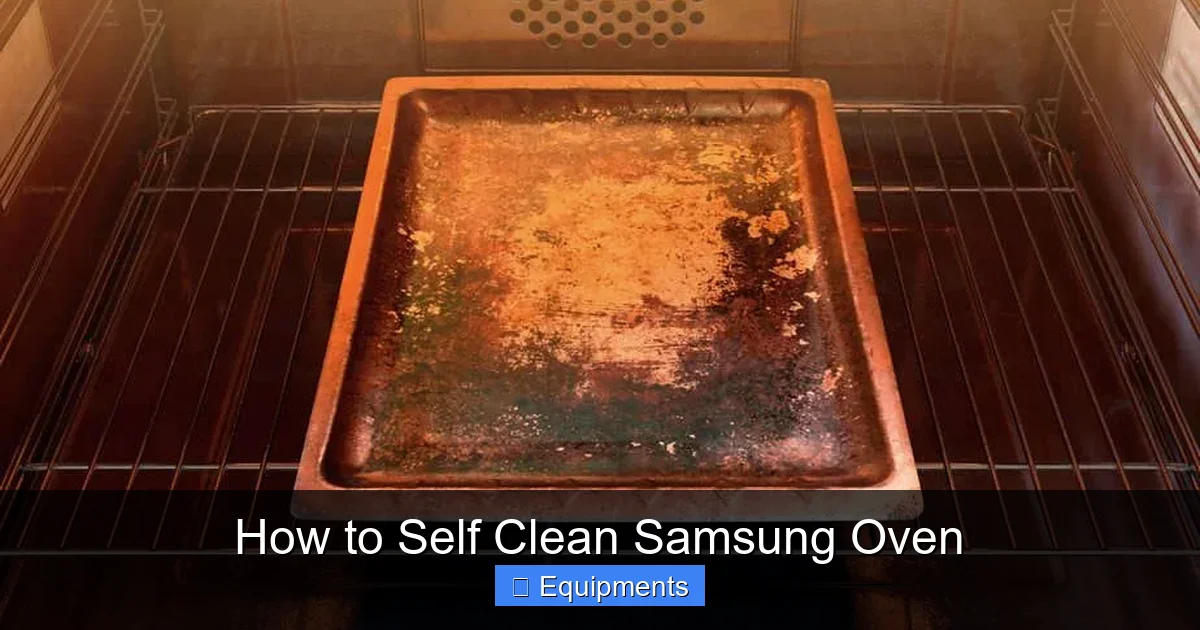
The first rule of self‑cleaning is to take everything out that isn’t fused to the oven interior. This includes:
Visual guide about How to Self Clean Samsung Oven
Image source: samsungtechwin.com
- Wire racks (most models have removable racks)
- Pizza stones, silicone mats, and baking sheets
- Thermometers and oven‑safe containers
Leaving these pieces inside can cause discoloration, warping, or even damage to the heating elements.
1.2 Sweep Out Large Food Debris
Use a soft brush or a damp cloth to sweep away any big pieces of food or spilled liquids. The self‑clean cycle works best when it can focus on the thin layer of grime, not chunks of burnt meat.
1.3 Ventilate the Kitchen
Even a clean oven can produce a brief whiff of burnt odor during the cycle. Open windows, turn on the exhaust fan, and consider placing a portable fan near the oven door to push fumes outside.
1.4 Check the Door Seal
Samsung ovens lock automatically when the self‑clean cycle starts. Make sure the door seal is intact and free of debris; otherwise the oven may refuse to lock, and the cycle won’t begin.
2. Choosing the Right Cycle: Short vs. Long
2.1 Short Cycle (2–3 Hours)
Ideal for lightly soiled ovens. The temperature peaks around 800°F (425°C), enough to soften light grease without creating excessive smoke.
Visual guide about How to Self Clean Samsung Oven
Image source: samsungtechwin.com
2.2 Long Cycle (4–6 Hours)
Best for heavily baked‑on residue. The oven reaches up to 950°F (510°C), turning thick carbon deposits into ash. Expect a stronger odor and more smoke, so extra ventilation is wise.
2.3 How to Select the Cycle
On most Samsung models, press the “Clean” button, then use the knob or touchpad to scroll through the options. The display will show “Short” or “Long.” Confirm your choice and press “Start.”
3. Running the Self‑Clean Cycle
3.1 Initiate the Cycle
Once you’ve selected the desired cycle, the oven will begin pre‑heating. You’ll hear a soft beep, and the interior light may flash. The door will automatically lock—don’t try to open it.
Visual guide about How to Self Clean Samsung Oven
Image source: m.media-amazon.com
3.2 What Happens Inside
During the cycle, the heating elements work at maximum power, raising the temperature to the set point. The intense heat oxidizes food particles, turning them into a fine, gray ash. This process is completely automatic; you don’t need to monitor it.
3.3 Dealing With Smoke or Odor
If you notice a sudden surge of smoke, pause the cycle (if your model allows) and open a window wider. Most modern Samsung ovens have a “Cool‑Down” button that you can press to end the cycle early.
3.4 Cycle Completion
When the timer hits zero, the oven will beep, and the door will unlock. The interior will be hot—wait at least 30 minutes before opening fully.
4. Post‑Clean Cleanup: Turning Ash into Shine
4.1 Let the Oven Cool
Patience is key. Even after the beep, the interior can stay above 200°F (93°C) for a while. Give it time to cool to a comfortable temperature.
4.2 Wipe Away the Ash
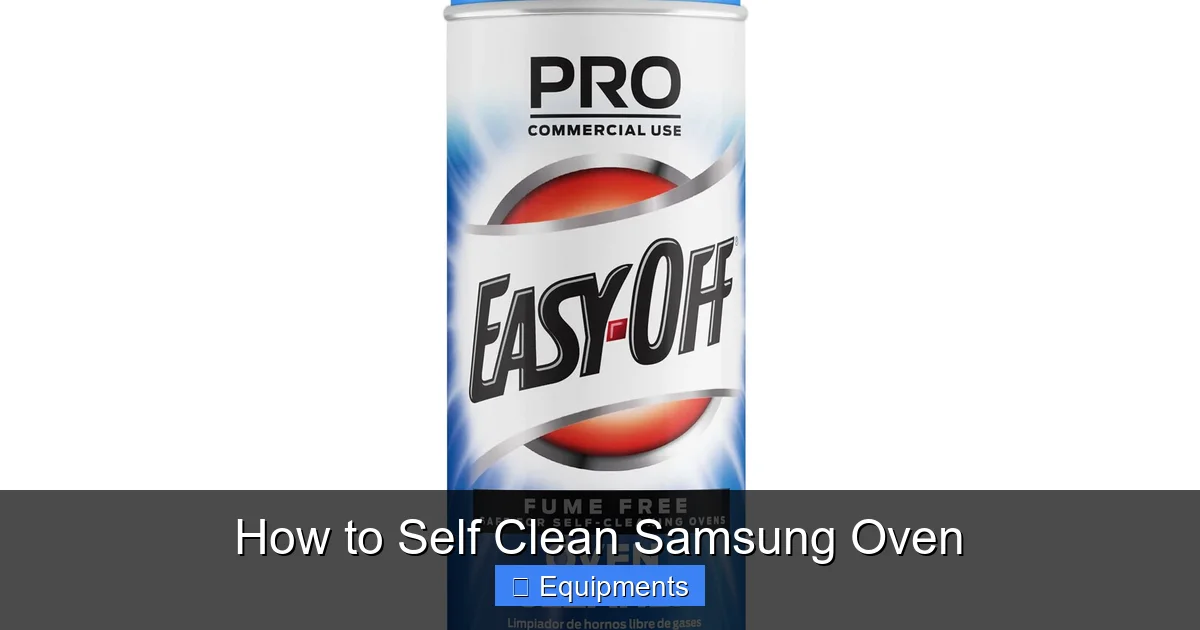
Take a damp microfiber cloth or a non‑abrasive sponge and gently wipe the interior walls, ceiling, and floor. The ash should come off easily. For stubborn spots, dip the cloth in a mixture of warm water and a few drops of mild dish soap.
4.3 Clean the Racks Separately
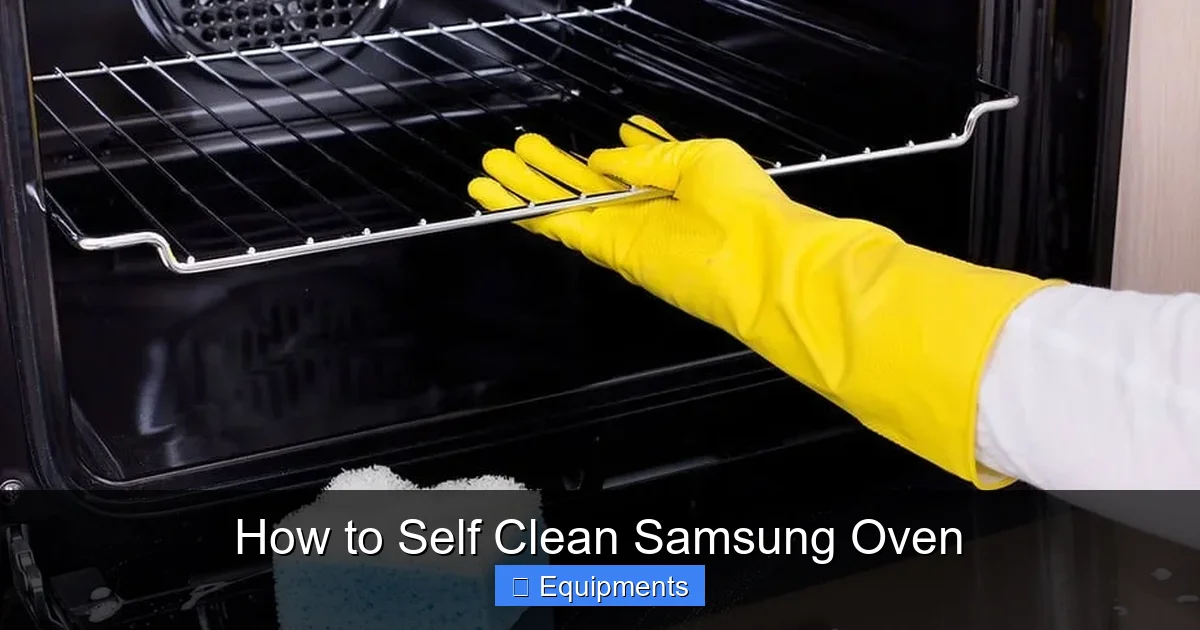
While the oven cools, wash the racks in warm, soapy water. If they have stubborn residue, soak them in a solution of baking soda and hot water for 15 minutes, then scrub with a non‑scratch pad.
4.4 Re‑assemble and Test
Place the clean racks back inside, close the door, and run a quick 5‑minute “Preheat” cycle to ensure the oven is dry and odor‑free before cooking your next meal.
5. Troubleshooting Common Issues
5.1 Door Won’t Lock
Check for food particles or debris on the latch. Clean the latch area with a soft brush. If the problem persists, the latch sensor may be faulty and require professional service.
5.2 Cycle Stops Prematurely
This can happen if the oven detects excessive smoke or a power fluctuation. Reset the oven by turning it off at the main breaker for one minute, then restart the cycle.
5.3 Persistent Odor After Cleaning
Run a “Cool‑Down” or “Air‑Out” mode (if your model has one) for 30 minutes. Alternatively, place a bowl of water with a few slices of lemon inside and heat at 200°F for 15 minutes to neutralize smells.
5.4 Ash Sticks to the Surface
If the ash is hard‑caked, gently spray a little water on the area and let it sit for a minute. The moisture will loosen the ash, making it easier to wipe away.
6. Maintaining a Clean Oven Between Deep Cleans
6.1 Wipe Spills Immediately
After each use, let the oven cool for a few minutes, then wipe any spills with a damp cloth. This prevents buildup that could require a full self‑clean later.
6.2 Use Liner Trays
Silicone or disposable aluminum trays catch drips from casseroles and roasts. They’re cheap, easy to replace, and keep the oven floor cleaner.
6.3 Schedule Regular Light Cleanings
Every 1–2 months, run a quick 10‑minute “Warm‑Up” at 250°F (121°C) and wipe the interior. This softens grease and reduces the frequency of full self‑clean cycles.
Conclusion: Your Oven, Fresh and Ready for Anything
Knowing how to self clean Samsung oven turns a dreaded maintenance task into a quick, painless routine. By preparing properly, selecting the right cycle, and following the post‑clean steps, you’ll keep your oven sparkling and extend its lifespan. Remember to ventilate, stay safe, and perform light cleanings between deep cycles. Your next baking adventure will thank you!
Frequently Asked Questions
Can I use the self‑clean function with the oven door open?
No. The door must lock automatically for safety. Opening the door during the cycle can cause overheating and damage.
How often should I run the self‑clean cycle?
Most users find a deep clean every 3–6 months sufficient, depending on cooking habits. Light cleanings in between keep the oven fresh.
Is it safe to leave pets in the kitchen while the oven self‑cleans?
It’s best to keep pets out of the kitchen. The high temperatures and occasional smoke can be hazardous.
What if the ash leaves a gray residue on the glass door?
Wipe the glass with a soft cloth dampened with a mixture of water and white vinegar. Avoid abrasive pads that could scratch the surface.
Can I use the self‑clean feature if I have a convection fan?
Yes. Samsung’s convection ovens include the same self‑clean function. The fan will stop during the cycle and restart afterward.
My oven shows an error code after cleaning. What should I do?
Turn off the oven at the breaker for one minute, then power it back on. If the error persists, consult the user manual or contact Samsung support.