Getting your LG dishwasher up and running is easier than you think. This guide walks you through everything from unpacking to selecting the right cycle, ensuring sparkling dishes with minimal effort. Follow the tips and tricks below to avoid common mistakes and keep your machine performing its best.
Key Takeaways
- Unpack and inspect: Check for damage, remove packing material, and locate the power and water connections.
- Proper installation: Level the unit, connect water supply, and secure the drainage hose to prevent leaks.
- Select the right cycle: Use “Auto” for everyday loads, “Heavy” for pots, and “Eco” to save energy.
- Load dishes correctly: Place items so water reaches every surface and avoid over‑loading.
- Maintenance matters: Clean the filter, spray arms, and run a monthly cleaning cycle.
- Troubleshoot quickly: Know the common error codes and how to reset the dishwasher.
- Safety first: Always turn off water and power before any inspection or repair.
📑 Table of Contents
- Introduction: Why Knowing How to Start Your LG Dishwasher Matters
- 1. Unboxing and Initial Inspection
- 2. Positioning and Leveling the Dishwasher
- 3. Connecting Water, Power, and Drain
- 4. Loading the Dishwasher the Right Way
- 5. Choosing the Right Cycle and Starting the Dishwasher
- 6. Routine Maintenance and Troubleshooting
- Conclusion: Your LG Dishwasher Is Ready to Shine
Introduction: Why Knowing How to Start Your LG Dishwasher Matters
Imagine coming home after a busy day, opening the kitchen drawer, and finding a stack of dirty plates waiting for you. The thought alone can make anyone sigh. An LG dishwasher is designed to take that stress away, but only if you know how to start it correctly. Many owners skip the setup steps, assuming the machine will work straight out of the box. In reality, a few simple actions—like checking the water connection, selecting the right cycle, and loading dishes properly—make a huge difference in cleaning performance and lifespan.
In this friendly, step‑by‑step guide we’ll walk you through everything you need to do before you press “Start.” Whether you’re a first‑time buyer or you’ve just moved into a new home with an LG model waiting in the kitchen, the instructions are written in plain language, just like a chat with a neighbor who knows her appliances.
1. Unboxing and Initial Inspection
1.1. What’s Inside the Box?
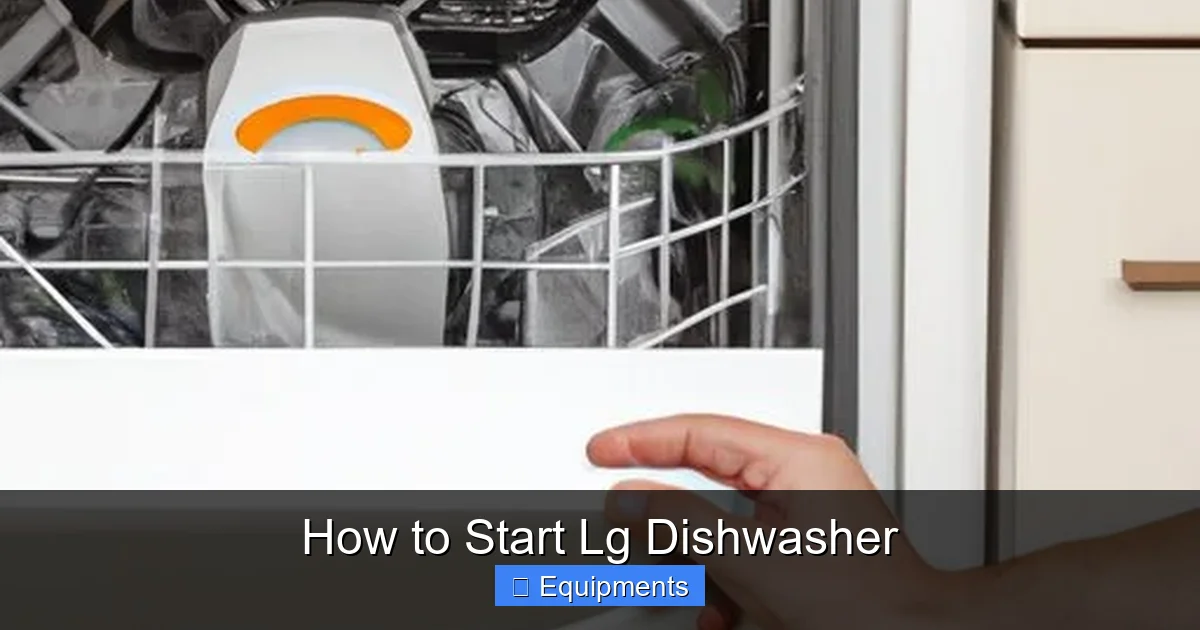
When the delivery truck arrives, open the box carefully. Inside you should find:
Visual guide about How to Start Lg Dishwasher
Image source: tffn.net
- The dishwasher unit
- Installation manual and warranty card
- A set of plastic “shipping bolts” (used only for transport)
- Power cord (if not hard‑wired)
- Drain hose and water inlet hose
- Optional accessories such as a utensil basket
If any part is missing, contact the retailer immediately. Missing pieces can cause leaks or prevent the machine from starting.
1.2. Visual Check for Damage
Look over the exterior for dents, scratches, or broken panels. Check the door gasket for tears. Even a small crack can cause water to escape once the dishwasher runs.
Turn the unit on its side (if you have space) and inspect the interior. Make sure the spray arms spin freely and that the filter is clean out of the box. Most new LG models come with a clean filter, but a quick rinse with warm water never hurts.
1.3. Removing Packing Materials
LG ships its dishwashers with protective foam, cardboard, and plastic ties. Remove all of them before you attempt to move the unit. Pay special attention to the:
- Foam blocks protecting the corners
- Plastic straps around the door
- Cardboard sheets covering the control panel
Leaving any of these in place can block airflow or cause the door not to seal properly, which will stop the dishwasher from starting.
2. Positioning and Leveling the Dishwasher
2.1. Choosing the Right Spot
LG dishwashers are built to fit under standard countertops (24 inches high). Ensure there is enough clearance on the sides for the water inlet and drain hose. The back of the unit should have at least 1‑inch clearance from the wall to allow for proper venting.
Visual guide about How to Start Lg Dishwasher
Image source: lihpao.com
2.2. Leveling the Unit
A dishwasher that isn’t level will leak and may display error codes. Here’s how to level it:
- Place a bubble level on the top edge of the door.
- If the bubble is off‑center, adjust the front leveling legs (usually located near the bottom front of the unit). Turn clockwise to raise, counter‑clockwise to lower.
- Repeat the process on the side legs if your model has them.
- Re‑check the level after each adjustment.
When the bubble sits perfectly in the middle, you’re ready to move on.
3. Connecting Water, Power, and Drain
3.1. Water Supply Connection
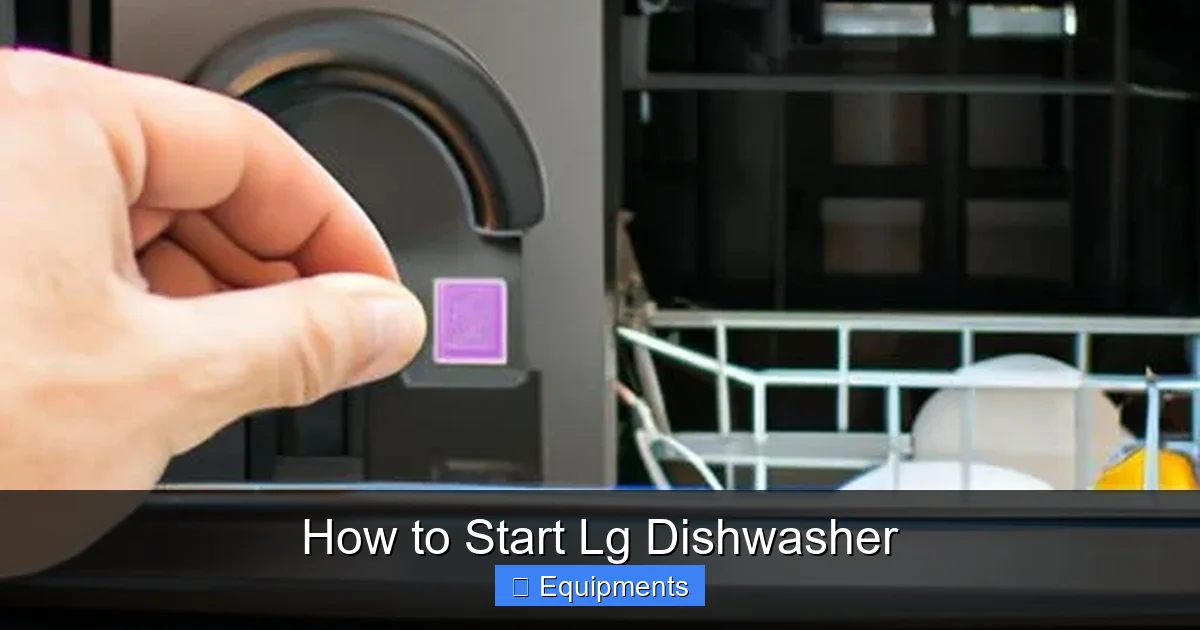
Most LG dishwashers use a ¾‑inch compression fitting. Follow these steps:
Visual guide about How to Start Lg Dishwasher
Image source: lihpao.com
- Turn off the cold water valve that feeds the kitchen sink.
- Attach the supplied water inlet hose to the valve using the compression nut. Tighten with a wrench—don’t over‑tighten.
- Connect the other end of the hose to the dishwasher’s inlet port (usually labeled “Water In”).
- Turn the water back on slowly and check for drips.
If you see a steady leak, tighten the connections a little more. A small amount of water is normal during the first cycle as the dishwasher primes itself.
3.2. Power Connection
LG dishwashers can be hard‑wired or plugged into a dedicated 120‑V outlet. For plug‑in models:
- Make sure the outlet is grounded and has a proper GFCI breaker.
- Insert the plug firmly into the outlet.
- Do not use extension cords.
For hard‑wired units, it’s best to have a licensed electrician do the connection to meet local codes.
3.3. Drain Hose Installation
The drain hose must be positioned correctly to avoid back‑flow:
- Connect the hose to the dishwasher’s drain outlet.
- Route the hose to the sink’s drain or a dedicated garbage disposal inlet.
- Secure the hose with a hose clamp.
- Make sure the hose forms a “high loop” (the hose should rise higher than the dishwasher’s base before dropping down). This prevents dirty water from siphoning back into the machine.
4. Loading the Dishwasher the Right Way
4.1. Understanding Rack Layout
LG models typically have a lower rack, an upper rack, and a third‑level cutlery basket. Here’s a quick guide:
- Lower rack: Best for plates, pans, and larger items.
- Upper rack: Ideal for glasses, mugs, and small bowls.
- Cutlery basket: Place forks, knives, and spoons with handles down for better cleaning.
4.2. Tips for Optimal Loading
- Place items so that no part blocks the spray arms.
- Angle plates toward the center of the lower rack.
- Don’t stack bowls on top of each other; they need water flow.
- Use the “Adjustable Tines” (if your model has them) to create more space for tall items.
- Load heavily soiled pots on the bottom rack, facing down.
4.3. What Not to Load
Avoid putting the following inside:
- Wooden cutting boards (they can warp).
- Non‑dishwasher‑safe plastics that melt.
- Aluminum cookware that may discolor.
- Large items that prevent the door from closing fully.
5. Choosing the Right Cycle and Starting the Dishwasher
5.1. Overview of Common LG Cycle Options
LG dishwashers come with several preset cycles. The most popular are:
- Auto: Sensors detect soil level and adjust water temperature and cycle length.
- Heavy/Duty: For pots, pans, and baked‑on food.
- Eco: Uses less water and energy—great for lightly soiled loads.
- Quick Wash: Completes a cycle in about 30 minutes.
- Steam: Adds steam for better stain removal on glassware.
5.2. Setting the Cycle
Follow these simple steps to start:
- Press the “Power” button to wake the control panel.
- Turn the cycle selector knob (or press the digital button) until the desired program lights up.
- If your model has a “Delay Start” feature, set the timer now.
- Close the door firmly—listen for the click that indicates a proper seal.
- Press the “Start” button.
Within a few seconds, you’ll hear the water pump engage and the spray arms begin to rotate. The display will show the remaining time.
5.3. Using Additional Options
Many LG dishwashers include extra features like:
- Half Load: Use when only the lower or upper rack is full.
- Sanitize: Raises water temperature to kill bacteria—ideal for baby bottles.
- Dry Boost: Activates a fan for faster drying.
Activate these by pressing the corresponding button before starting the main cycle.
6. Routine Maintenance and Troubleshooting
6.1. Daily and Weekly Care
Keeping your LG dishwasher clean ensures it stays ready to start whenever you need it.
- After each use: Wipe the door gasket with a damp cloth.
- Weekly: Remove the bottom filter, rinse it under running water, and reinstall.
- Monthly: Run the “Cleaning Cycle” with a dishwasher cleaner tablet.
6.2. Common Error Codes and Quick Fixes
LG dishwashers display error codes when something goes wrong. Here are a few you might see:
- IE (Water Inlet Error): Check water supply valve and inlet hose for kinks.
- UE (Drain Error): Inspect the drain hose for blockages or improper high‑loop placement.
- LE (Leak Detected): Make sure the door seal is clean and the floor isn’t wet; the machine may shut off automatically.
Most codes can be cleared by turning the dishwasher off for 5 minutes, then powering it back on. If the error persists, consult the user manual or contact LG support.
6.3. When to Call a Professional
If you notice any of the following, it’s time to get help:
- Persistent leaks despite checking seals.
- Strange noises (grinding or squealing) that don’t stop after a cycle.
- Electrical issues such as the control panel not lighting up.
- Water not heating properly.
Attempting DIY repairs on electrical components can be dangerous. Always rely on a certified technician for these problems.
Conclusion: Your LG Dishwasher Is Ready to Shine
Starting an LG dishwasher is a straightforward process once you’ve completed the initial setup, connected the utilities, and learned how to load dishes efficiently. By following the steps outlined above, you’ll avoid common pitfalls like leaks, error codes, and poor cleaning results. Remember, a little routine maintenance goes a long way—clean the filter, run a monthly cleaning cycle, and keep the door gasket free of debris.
Now that you know how to start LG dishwasher with confidence, you can enjoy more free time and spotless dishes every day. Happy cleaning!
Frequently Asked Questions
Do I need to run a special cycle before using my new LG dishwasher for the first time?
Yes. It’s recommended to run an empty “Auto” or “Sanitize” cycle with a dishwasher cleaner tablet. This clears any packaging residue and primes the machine.
Can I connect the dishwasher to a hot water line instead of cold?
LG dishwashers are designed to work with cold water; the appliance heats it to the required temperature. Connecting to hot water can reduce cleaning efficiency and may void the warranty.
Why does my LG dishwasher not start after I press the button?
Check that the door is fully closed and latched. Also verify that the power outlet is active and the water supply valve is open. If everything is set, try resetting the unit by turning it off for a few minutes.
How often should I clean the filter in my LG dishwasher?
Clean the filter at least once a week if you run the dishwasher daily. For lighter use, a monthly cleaning is sufficient.
What does the “IE” error code mean?
“IE” indicates a water inlet problem. Make sure the water valve is open, the inlet hose isn’t kinked, and the filter at the hose connection is clear.
Is it safe to wash non‑stick pans in an LG dishwasher?
Most modern non‑stick cookware is dishwasher‑safe, but to prolong the coating, place them on the top rack and use a gentle cycle like “Eco.” Avoid high‑heat “Heavy” cycles unless the manufacturer explicitly permits it.